Best AI PPT Prompts for Different Presentation Scenarios
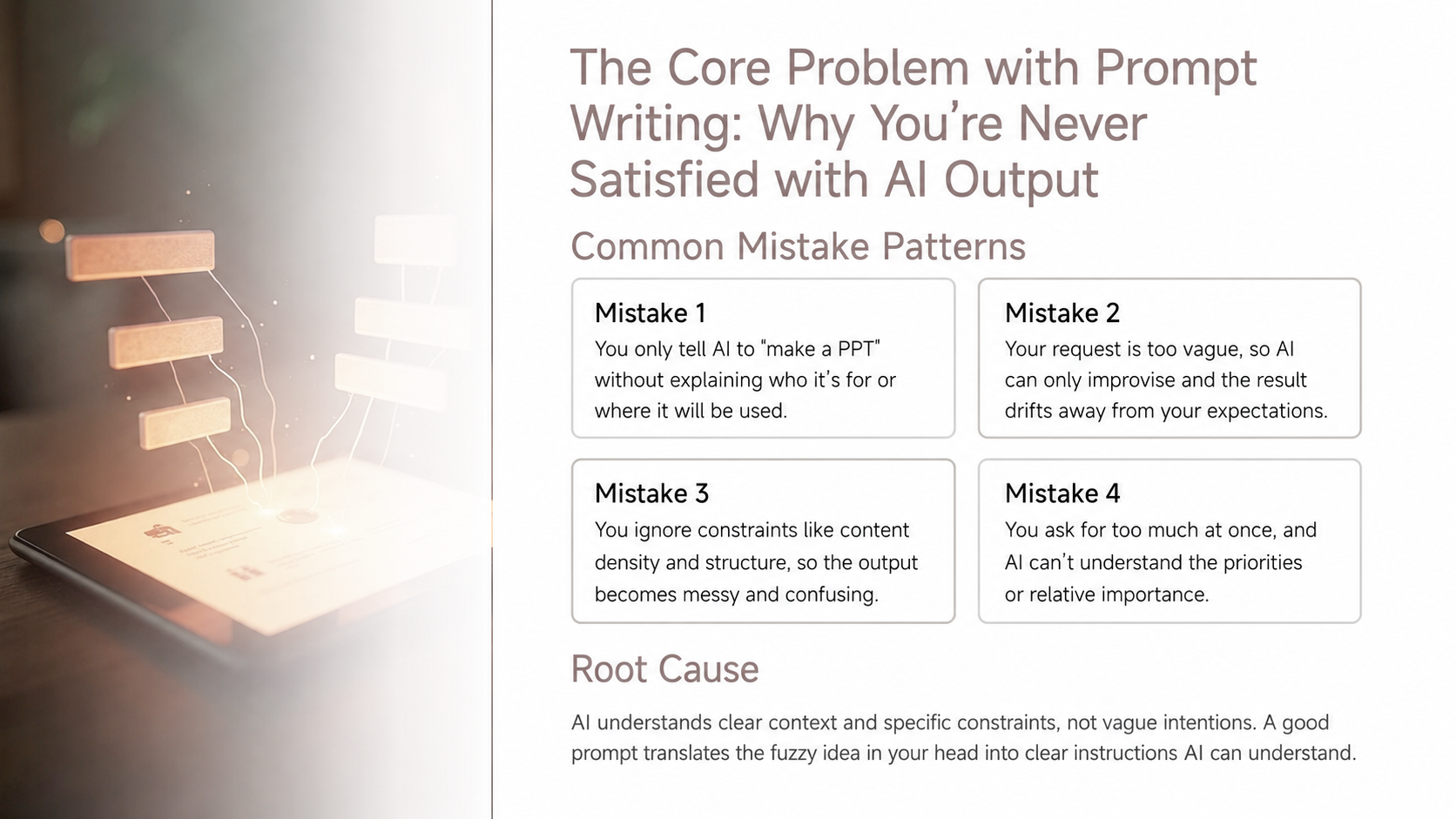
Most people start the same way when they use AI to create a presentation. They drop in a topic.
Create a PPT about AI marketing trends.
That prompt can produce a presentation. It may come with a cover, an agenda, market trends, case studies, and a conclusion. It looks complete. It may even look polished.
But that is also the problem. It feels more like a topic summary than a presentation you can actually use.
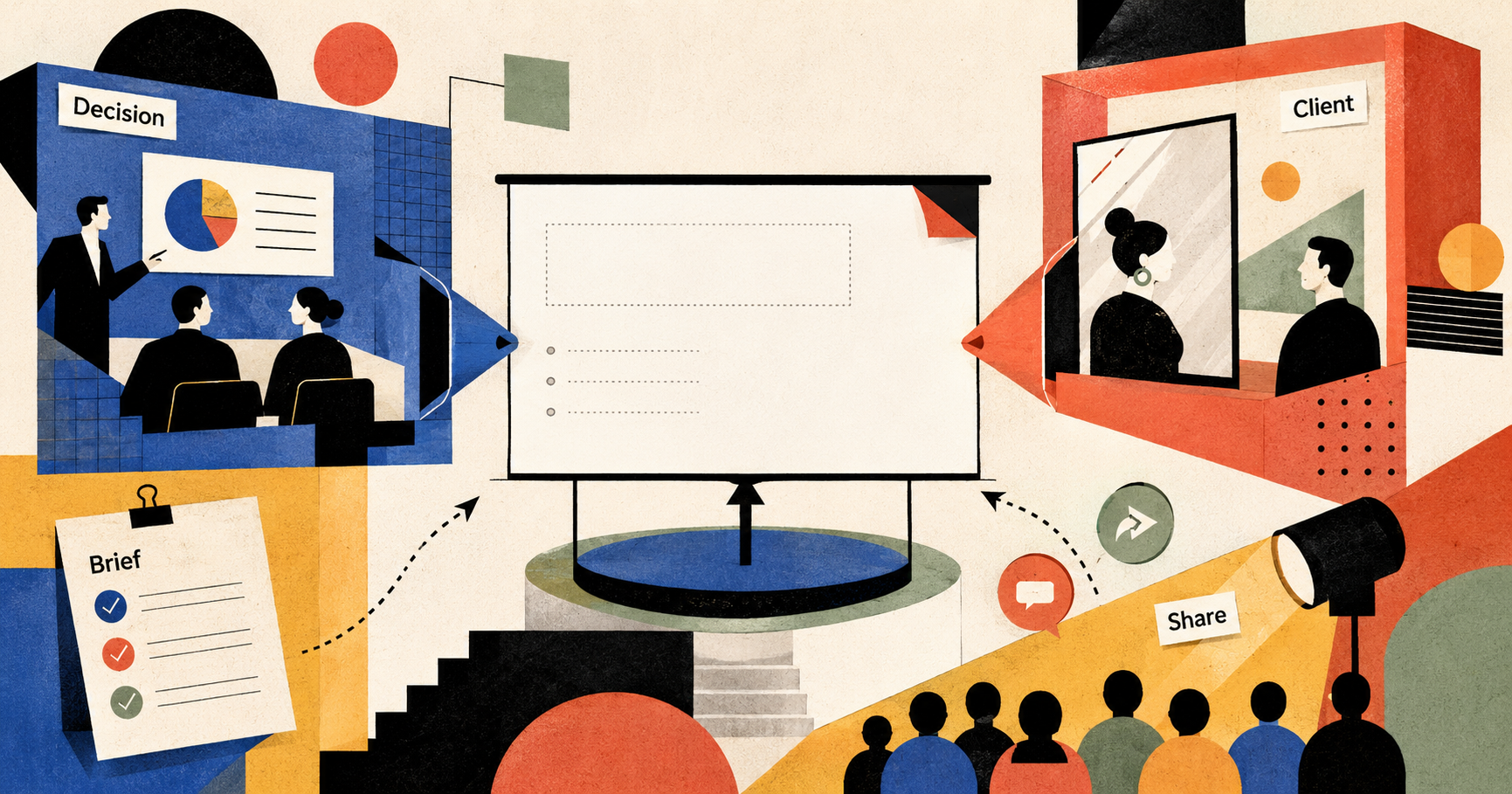
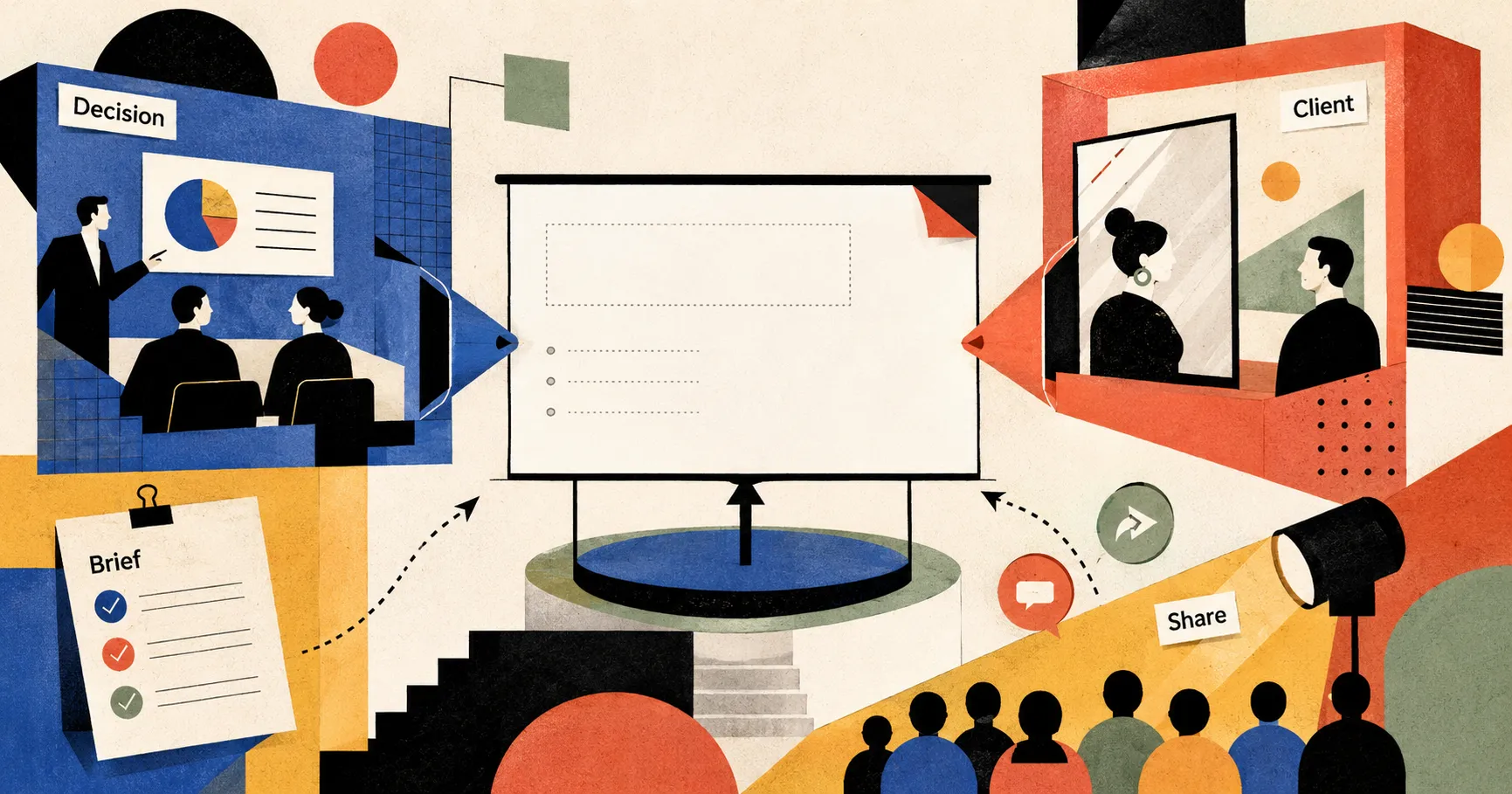
A presentation is rarely just about introducing a topic. It usually lives inside a specific situation. You may need to convince your boss to approve a budget. You may need to help a customer agree to the next conversation. You may need to turn an article into a public talk.
Same format. Very different job.
A boss cares about judgment and risk. A customer cares about what this has to do with their business. An audience cares about whether they can understand it, remember it, and take something away.
So a good PPT prompt should not start with:
What do I want to talk about?
It should start with:
What situation does this presentation need to work in?
Below are three common scenarios, and how to write prompts for each one.
Scenario 1: Internal decision presentation
What is the biggest risk in an internal decision presentation?
It is not that the slides are not pretty enough.
It is that after ten or twenty slides, nobody knows what decision they are supposed to make.
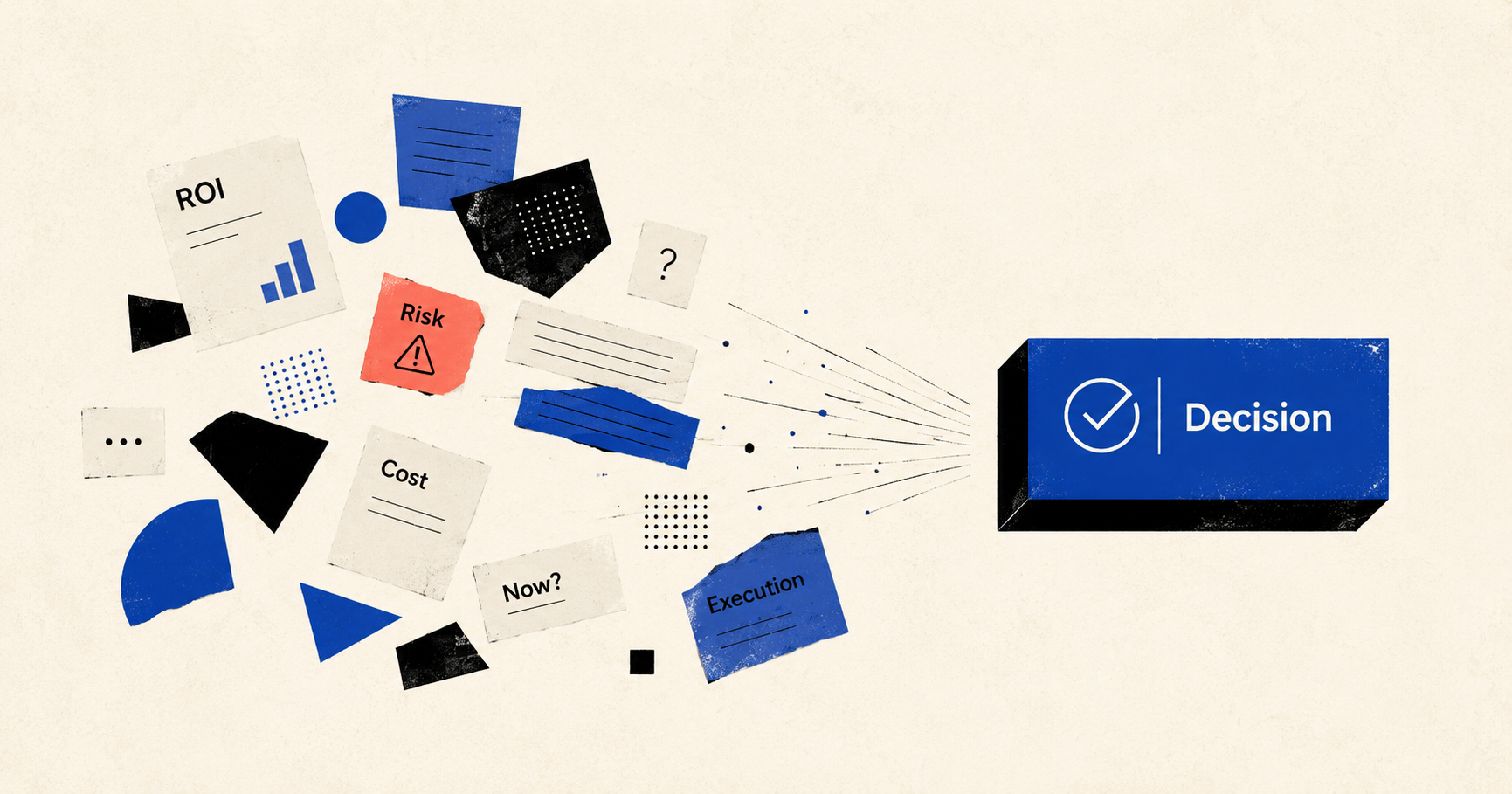
Many internal presentations naturally slide into information display: market background, current problems, solution, budget, next steps. None of these are necessarily wrong. But together, they can feel like a folder of documents rather than a decision meeting.
A decision-oriented presentation is not about saying everything. It is about helping a group of people answer a few key questions:
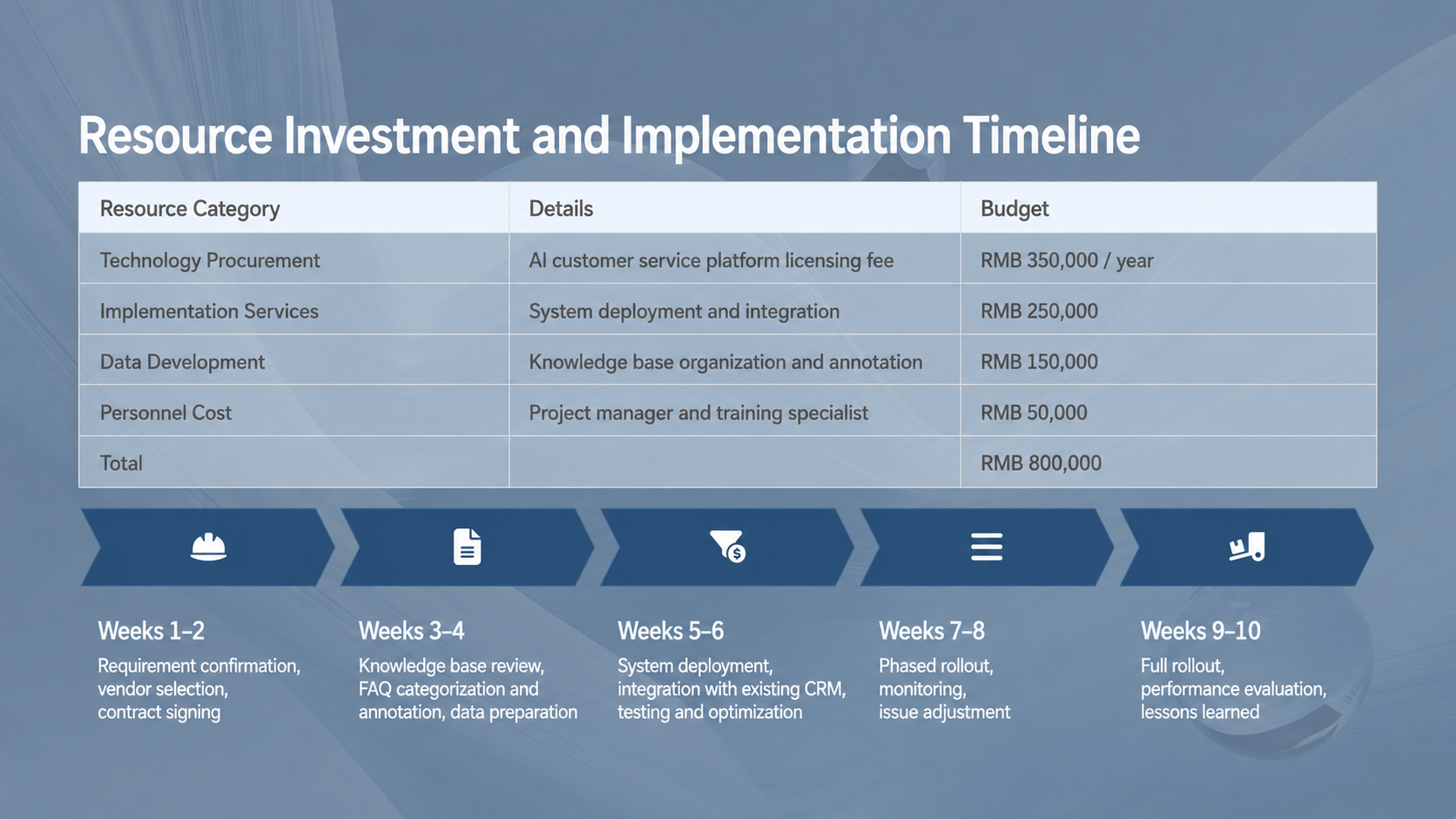
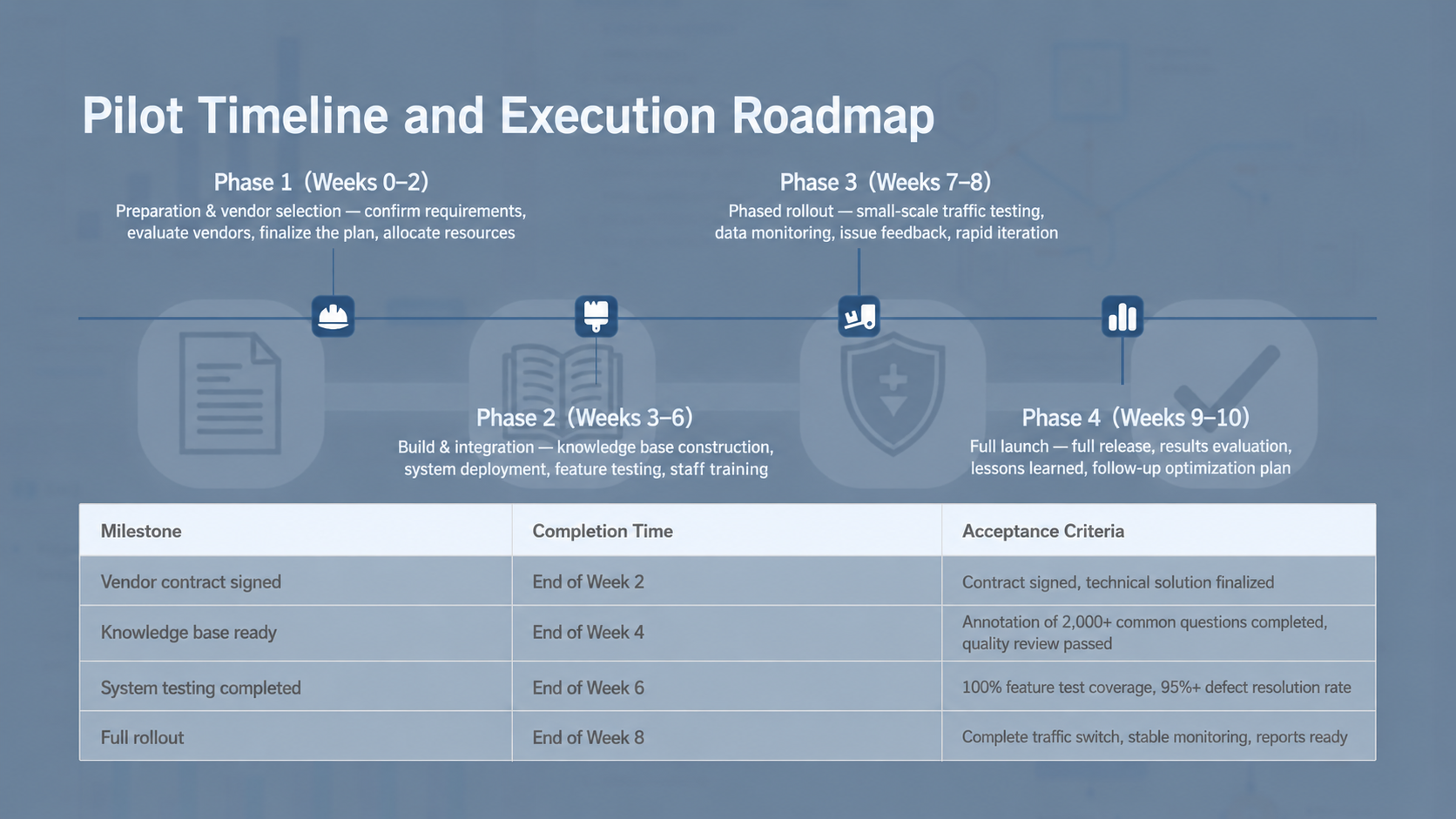
Why now? What happens if we do nothing? Where can we start with the lowest risk? What resources do we need? How will we decide whether to continue or stop?
For this kind of PPT, the most important part of the prompt is not the visual style. It is the decision questions.
Do not just write:
Create an internal presentation about AI marketing trends.
That will likely generate a trend overview. Instead, tell the AI this is a decision meeting. Tell it who is in the room, what they are worried about, and what decision you want them to make. The slides should be organized around questions, not around generic sections.
Prompt template you can copy
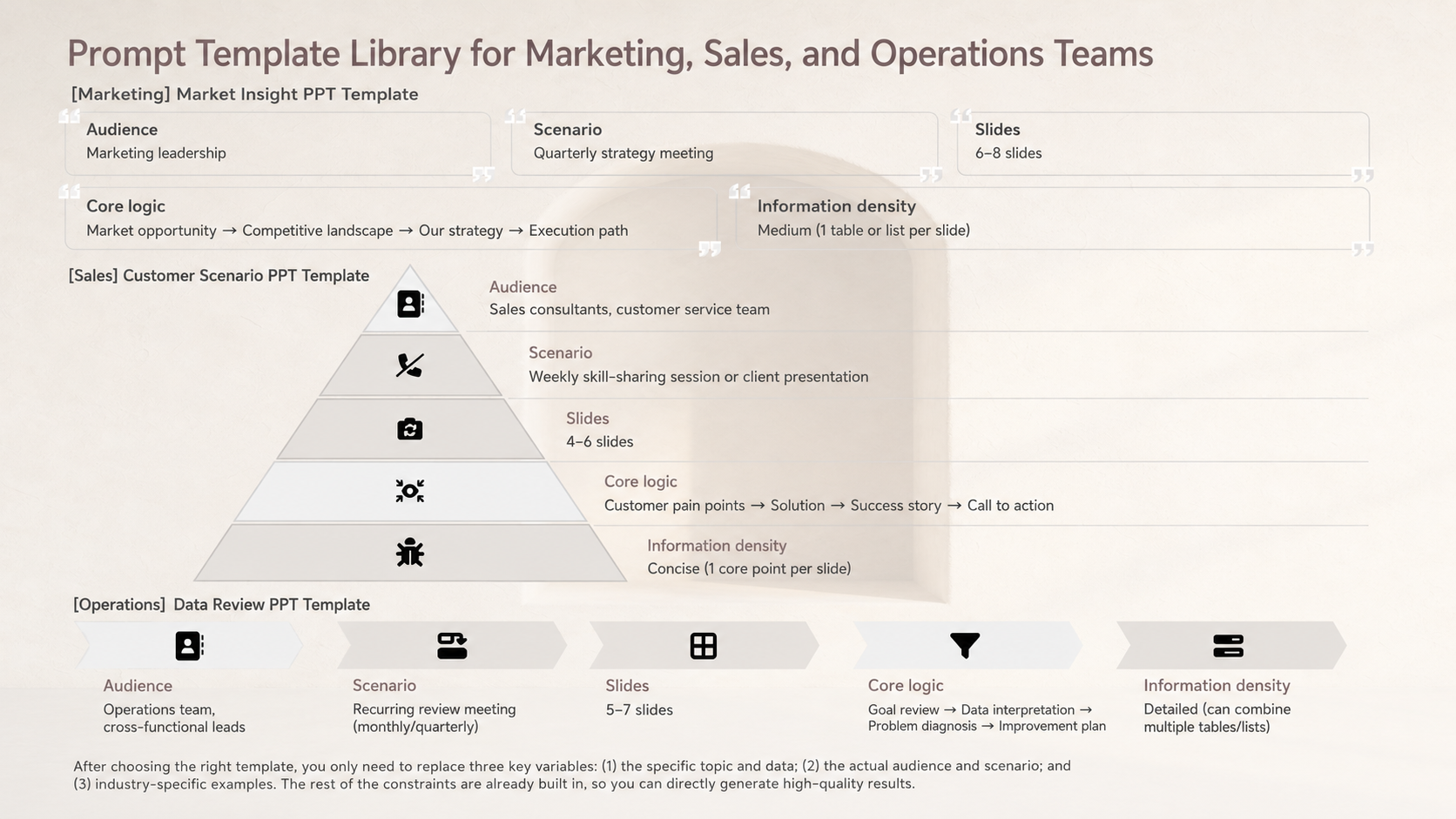
I want to create an internal decision presentation.

[Topic]
{The topic this presentation needs to discuss}

[Use case]
Internal decision meeting / leadership meeting / project approval meeting

[Audience]
- {Audience roles, such as CEO, business lead, marketing lead, product lead}
- They already know: {What they already understand}
- They care most about: {Their most important questions}
- They may worry about: {Risks, cost, resources, ROI, execution difficulty, etc.}

[Meeting goal]
I want the audience to form this judgment after reading the presentation:
{What you want them to believe}

I want the audience to take this action:
{Approve budget / agree to a pilot / move to the next review / adjust direction / start the project}

[Available materials]
{Paste available materials, such as meeting notes, data, user feedback, market information, competitor information, etc. If there are no materials, write “No specific materials available yet.”}

[Length]
Please generate a presentation within {number of slides} slides.

[Slide requirements]
1. The overall structure must be organized around the decision questions the audience is most likely to ask.
2. Each slide title must be a conclusion-style statement. Do not use generic labels like “Background,” “Problem,” “Solution,” or “Summary.”
3. Each slide should answer only one key question.
4. Each slide should contain no more than 3 key points.
5. The deck must include:
   - 1 slide explaining why this needs to happen now
   - 1 slide explaining the recommended option
   - 1 slide explaining required resources
   - 1 slide explaining risks and stop-loss mechanisms
   - 1 slide explaining the next action
6. For each slide, suggest a visual format, such as a comparison slide, roadmap, decision slide, data slide, or risk matrix.

[Constraints]
1. Do not invent specific data.
2. If data is missing, mark it as “Needs verification.”
3. Do not turn this into an industry overview.
4. Avoid vague slogans.
5. The final slide must include a clear decision request.
The key to this prompt is that it pulls the presentation away from “explaining a topic” and toward “driving a decision.”
The AI is no longer just organizing information. It is helping you rehearse the questions that may appear in the meeting. When you write the audience’s concerns into the prompt, the structure of the PPT naturally changes. It will not start with “market background.” It will start with “why this needs to be discussed now.”
That is the opening a decision presentation needs.
Scenario 2: Client proposal or sales deck
Client proposals have something in common with internal presentations, but they contain a more dangerous trap: it is very easy to talk too much about yourself.
Many sales decks look complete: company introduction, product capabilities, core advantages, success stories, cooperation process. But after reading them, the customer may only have one question in mind:
So what does this have to do with us?
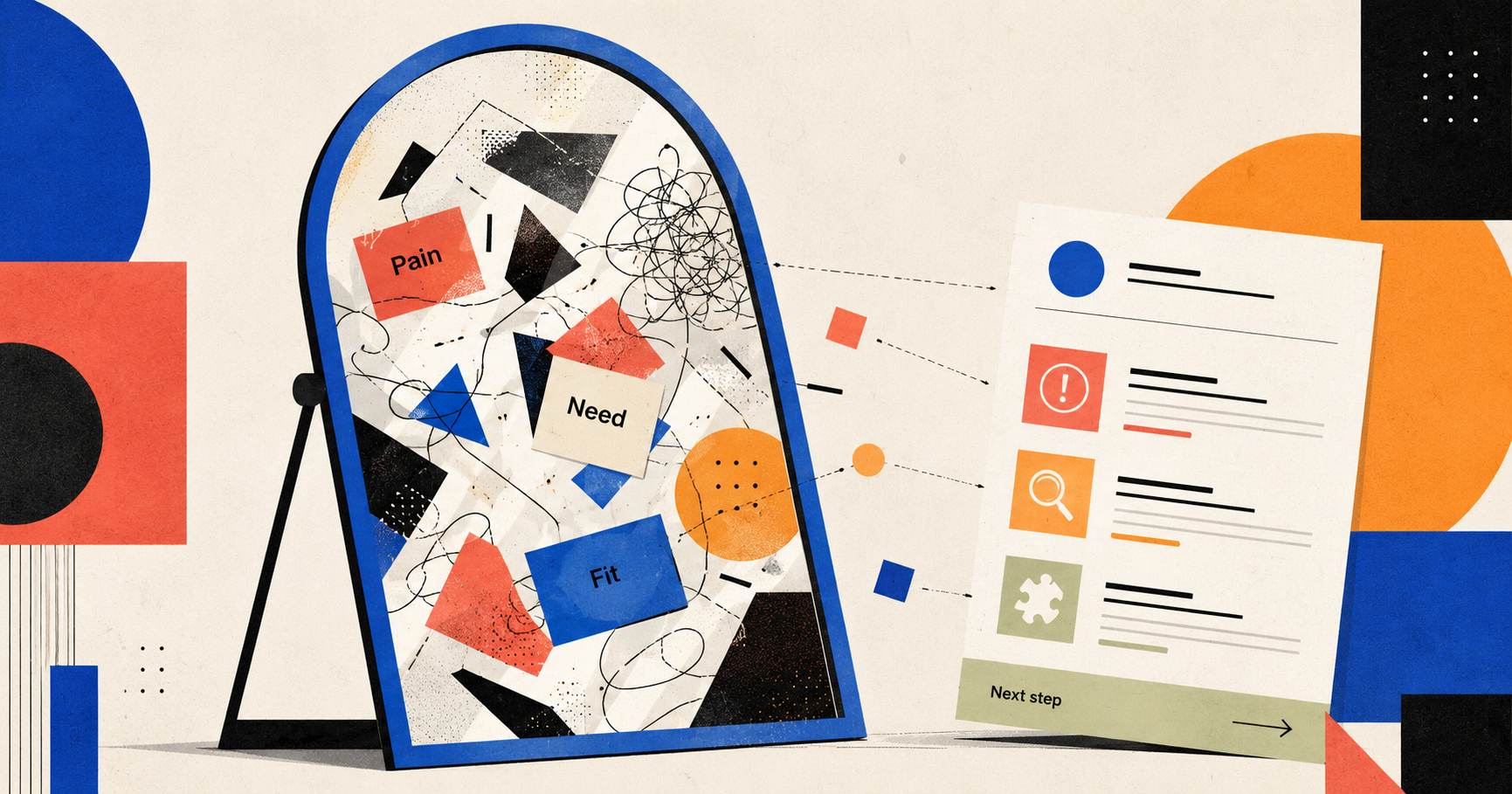
A client proposal is not a product brochure. It should work more like a mirror. First, it shows the customer their own problem. Then it shows why your solution fits that problem.
So the goal of this prompt is not to make the AI “more persuasive.” It is to make the AI stay close to the customer’s context. You need to provide the customer background, pain points, meeting notes, and the boundary of your product capabilities.
That last part matters.
Sales decks often produce a dangerous kind of polished language:
We can comprehensively empower the customer’s digital transformation.
It sounds safe. It lands nowhere.
A better prompt should ask the AI not to exaggerate product capabilities, not to invent customer problems, and not to turn the deck into a feature list. Each slide should answer one real customer concern. The solution should map back to the customer’s situation. The final slide should push for a concrete next step, not a vague “looking forward to working together.”
Prompt template you can copy
I want to create a client proposal presentation.

[Customer background]
Customer name: {Customer company or customer type}
Industry: {Industry}
Scale: {Company size / team size / business scale}
Current business goal: {What the customer is trying to achieve}
Current main challenge: {The problem the customer is facing}

[Meeting notes or customer information]
{Paste meeting notes, customer quotes, sales notes, requirement documents, etc.}

[Our product or service capabilities]
{Paste your product capabilities, service scope, and deliverables}
Important: Do not go beyond these capabilities when generating the presentation.

[Use case]
Customer meeting / sales visit / solution proposal / pre-demo discussion / renewal proposal

[Audience]
- {Customer-side audience roles, such as founder, marketing lead, sales lead, procurement lead}
- They care most about: {Business growth, cost, efficiency, risk, implementation timeline, etc.}
- They may worry about: {Price, implementation cost, team learning curve, whether it will actually work, etc.}

[PPT goal]
Help the customer believe:
{The judgment you want the customer to form}

Push the customer toward this next step:
{Book a demo / agree to a pilot / start internal review / provide more materials / move to pricing}

[Length]
Please generate a presentation within {number of slides} slides.

[Slide requirements]
1. Do not start by introducing our company. Start by restating the customer’s current situation and key problem.
2. Each slide title must be a conclusion-style statement.
3. Each slide should solve only one customer concern.
4. Each slide should contain no more than 3 key points.
5. The solution must map back to the customer background, meeting notes, or pain points.
6. The deck must include:
   - 1 slide summarizing the customer’s current situation
   - 1 slide breaking down the key problem
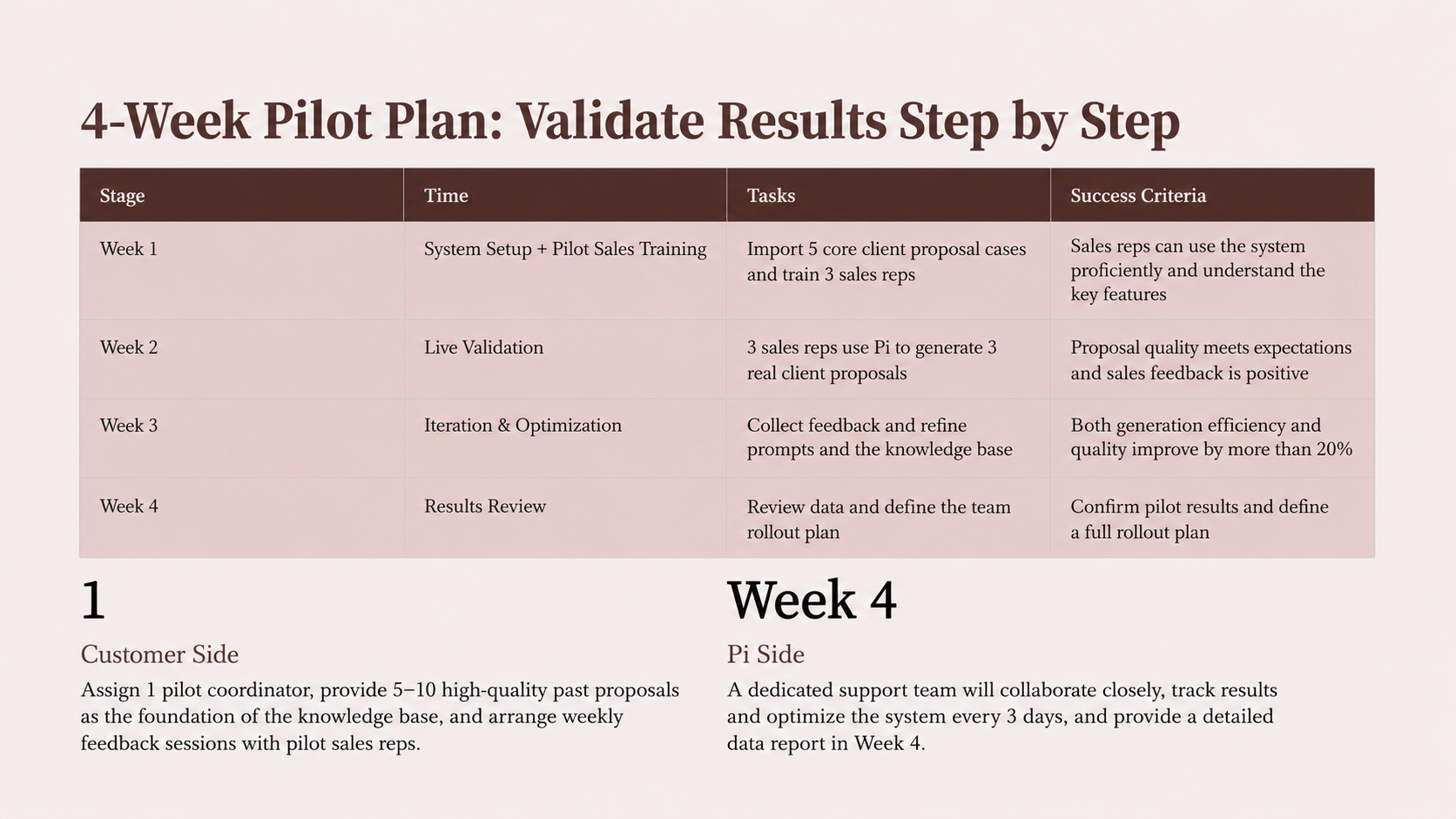
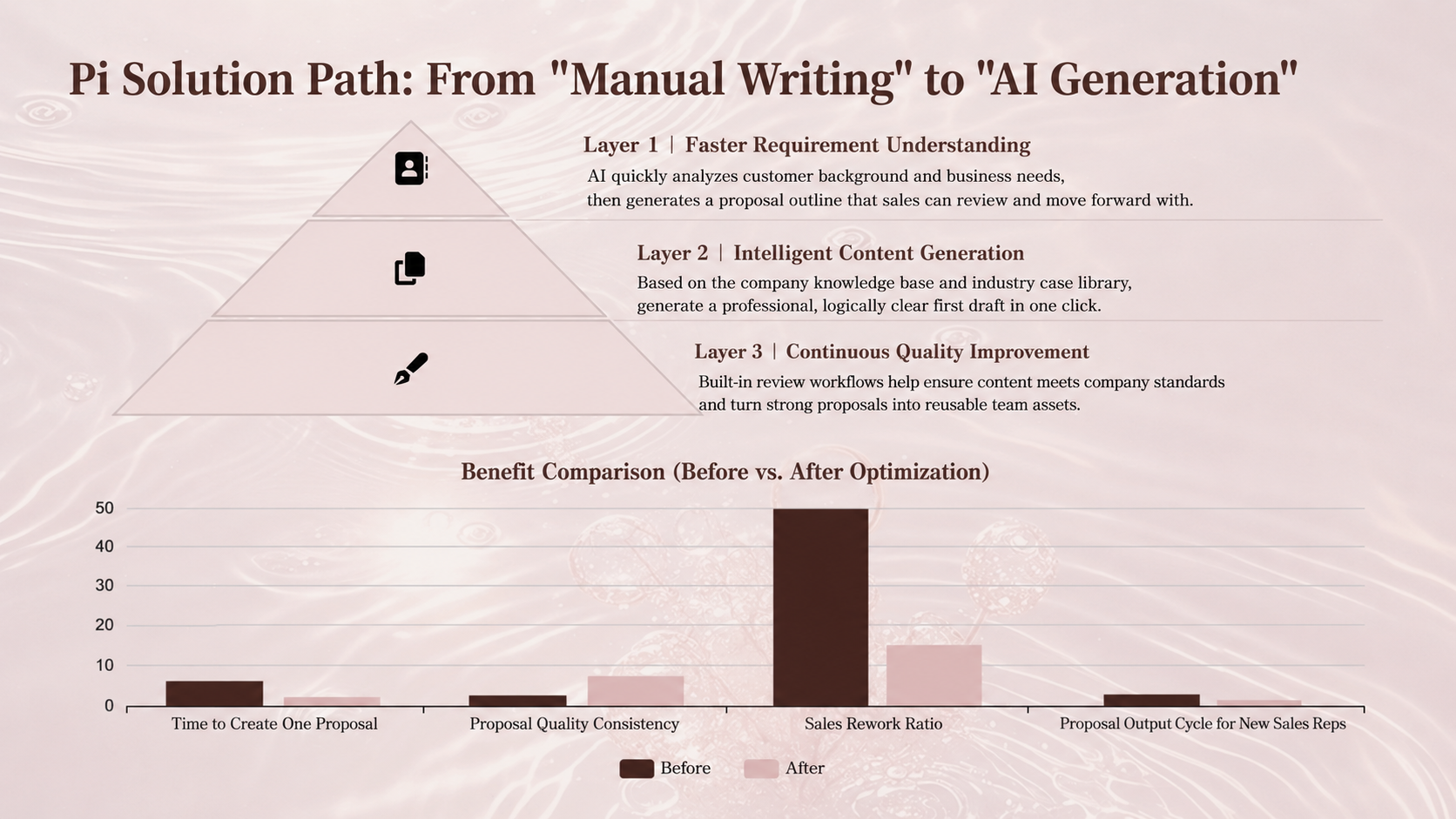
   - 1 slide explaining the proposed solution path
   - 1 slide showing how our product capabilities map to the customer’s problem
   - 1 slide explaining cooperation steps or pilot plan
   - 1 slide defining the next action
7. For each slide, suggest a visual format, such as a customer journey map, pain-point mapping diagram, solution architecture, pilot roadmap, or comparison slide.

[Constraints]
1. Do not invent problems the customer did not mention.
2. Do not promise capabilities the product does not have.
3. Avoid vague phrases like “empower,” “digital transformation,” or “closed loop” unless they are tied to specific actions.
4. Do not write the deck as a product feature list.
5. Mark uncertain information as “Needs confirmation.”
In a client proposal, the most effective message is not “we are strong.”
It is:
We understand your problem, and we know what the first step forward should look like.
The order matters. A typical sales deck starts with the company. A better sales deck starts with the customer. The best sales deck starts with the exact point where the customer is stuck.
The same is true when AI creates the presentation. The clearer the customer’s stuck point is in your prompt, the less the output feels like a template and the more it feels like a real sales conversation.
Scenario 3: Turning an article, report, or notes into a presentation
The third scenario is common: you have an article, a report, or a long piece of content, and you want to turn it into a presentation.
This is also one of the easiest places to misuse AI. Many people simply write:
Turn the following article into a PPT.
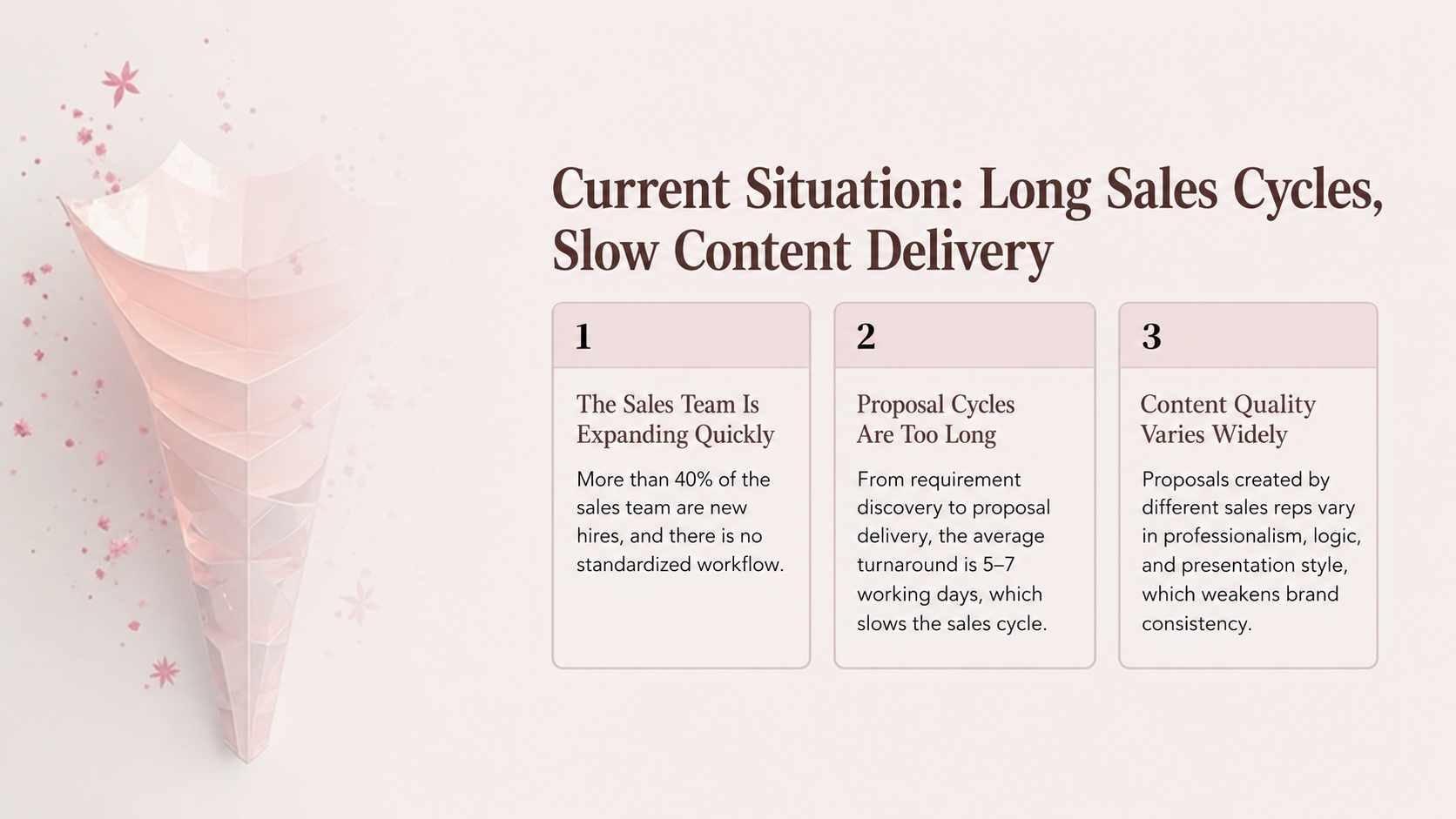
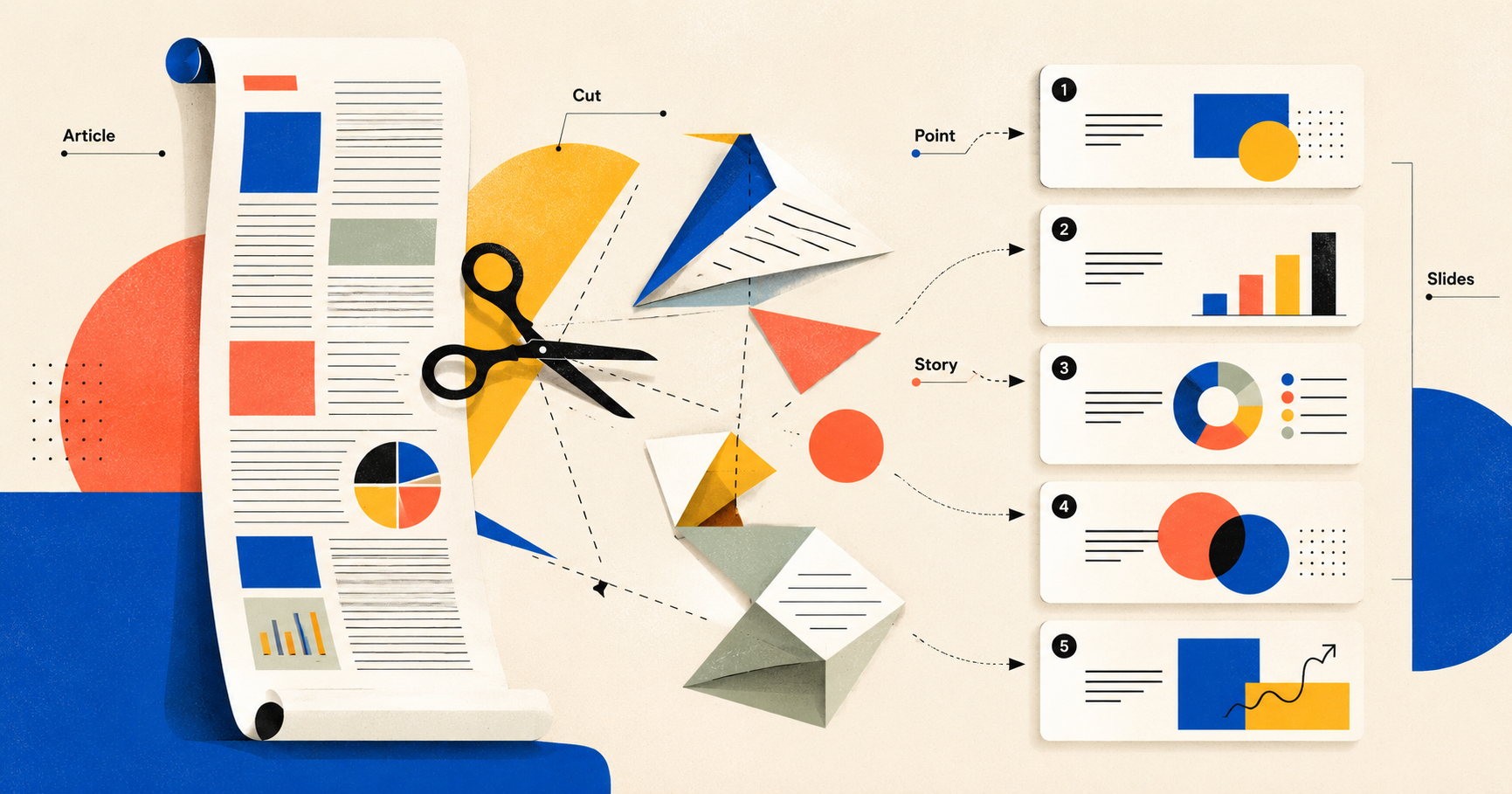
AI will usually obey. It will split the article by paragraphs. Paragraph one becomes slide one. Paragraph two becomes slide two. Paragraph three becomes slide three.
The result feels like an article sliced into thin pieces.
That is not a presentation for sharing.
That is long-form content moving house.
A sharing deck is not supposed to copy the article. It needs to reorganize attention. An article can be read slowly. A presentation needs to be spoken slide by slide. An article can develop ideas gradually. A presentation needs rhythm. An article can contain many details. A presentation needs the audience to remember a few ideas.
So the prompt needs to tell the AI: do not move the article paragraph by paragraph. Extract points. Keep examples. Rebuild the structure for a live talk. Give each slide a statement that can be presented.
Prompt template you can copy
I want to turn an article / report / piece of content into a presentation for sharing.

[Original content]
{Paste the article, report, notes, or materials}

[Sharing scenario]
Public talk / internal training / reading group / industry sharing / course content / community session

[Audience]
- {Who the audience is}
- Their familiarity with the topic: {No background / basic understanding / fairly professional}
- What they most want to get: {Methods, viewpoints, cases, trends, steps, decision framework}

[Sharing goal]
After the session, the audience should:
{Understand one idea / learn one method / remember several examples / change one judgment / be able to use it immediately}

[Length]
Please generate a presentation within {number of slides} slides.

[Rewrite requirements]
1. Do not move the original content paragraph by paragraph.
2. Extract {6-8} core ideas that are suitable for a live presentation.
3. Each slide title must be a conclusion-style statement, not a copied article heading.
4. Each slide should present only one idea.
5. Prioritize the examples in the original content that are most visual, specific, and memorable.
6. For abstract concepts, suggest a visual format, such as a comparison diagram, process diagram, metaphor visual, timeline, or case slide.
7. The final slide should provide an actionable checklist so the audience knows what to do next.

[Output requirements]
Each slide should include:
- Slide title
- Core idea
- Source material used from the original content
- Suggested visual
- Speaker notes

[Constraints]
1. Do not add new ideas that are not supported by the original content.
2. Do not turn the PPT into an article summary.
3. Do not make every slide a bullet list.
4. Mark uncertain information in the original content as “Needs verification.”
The point of this prompt is to switch AI from “summary mode” to “presentation design mode.”
A summary tries to cover. A presentation tries to be remembered. These are not the same thing.
If you only ask AI to summarize an article, it will try to fit everything in. But if you tell it “this is a talk,” it starts to think differently: Which ideas are worth presenting? Which examples should stay? Which abstract ideas need visuals? What should the audience take away?
At that point, the PPT stops being the article’s shadow.
It becomes another form of expression.
The same rule behind all three scenarios
Internal decision presentations, client proposals, and article-to-sharing decks look like three different tasks. But they follow the same rule:
Do not just tell AI the topic. Tell AI the scenario.
The topic defines the content boundary. The scenario defines the expression.
Take “AI marketing trends” as an example. If it is for a CEO, it should answer whether the investment is worth making. If it is for a customer, it should answer what this has to do with their business. If it is for a public talk, it should answer what the audience can remember, take away, and use.
Before writing your next PPT prompt, ask yourself five questions:
- Where will this presentation be used?
- Who will read or watch it?
- What do they already know?
- What do they care about or worry about most?
- What do I want them to do after reading it?
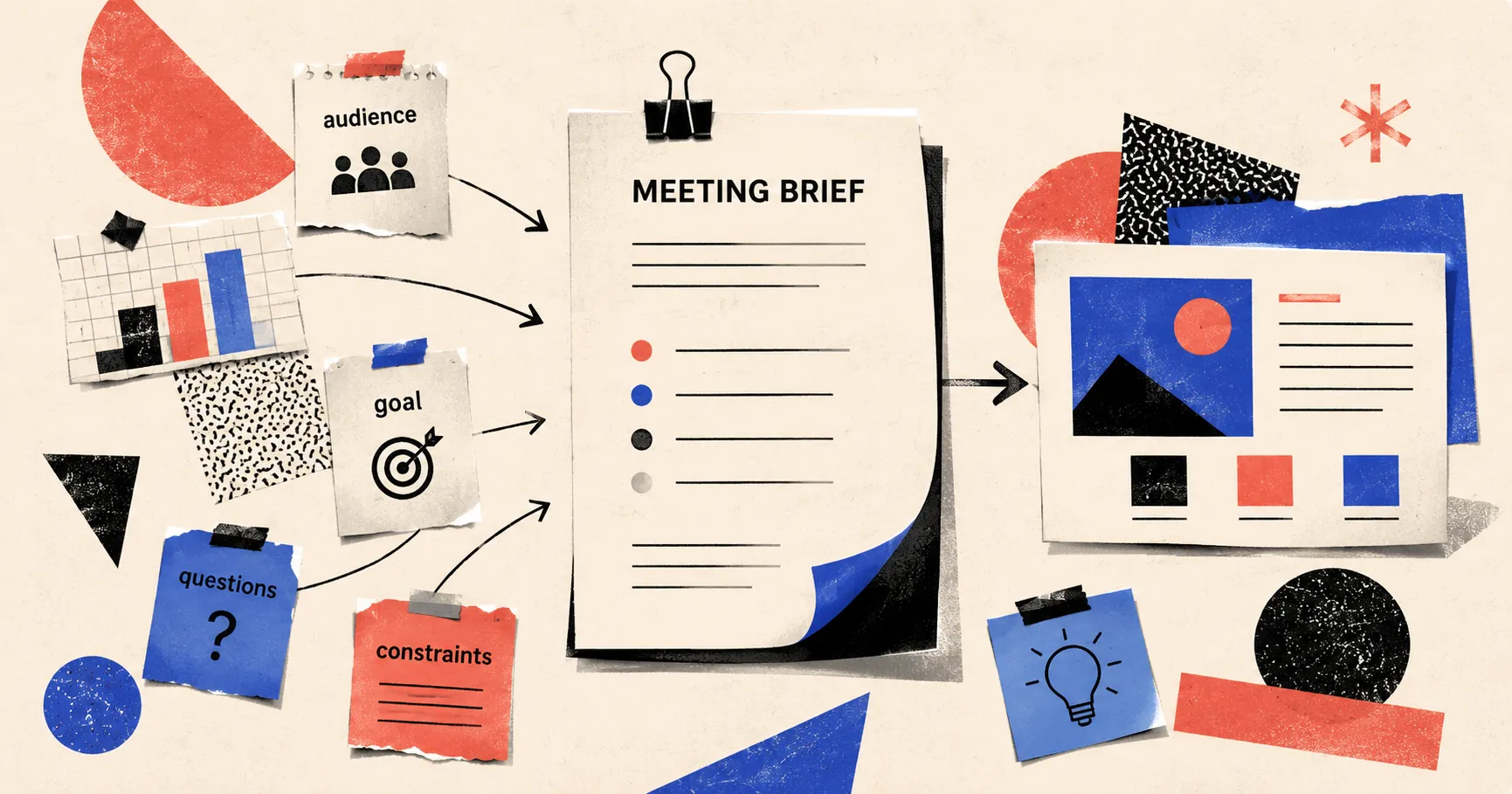
Once these five questions are clear, the prompt is no longer just a request. It becomes a brief.
And Pi’s job is to turn that brief into slides.
A simpler way to remember it
Before generating your next PPT, think of the prompt as six modules:
- Scenario: Where will this presentation be used?
- Audience: Who will see it, and what do they care about?
- Goal: What should they believe or do after reading it?
- Materials: What real information can the AI use?
- Slides: What structure and slide types should it use?
- Constraints: What must not be invented, said, or promised?
These six modules do not need to be long every time. But when they appear, the AI-generated PPT becomes less template-like and more task-aware.
A good prompt does not lock AI into a cage. It tells AI what kind of communication it is helping you complete.
A PPT is not a container for a topic. It is a tool inside a situation.
The clearer you are about who will see it, when they will see it, and what should happen after they see it, the less it feels like a set of automatically generated slides. It starts to feel like a conversation that has already been rehearsed.
 Management Consulting Report Template: Structuring Complex Business Logic