How to Write Better AI PPT Prompts for Real Meetings
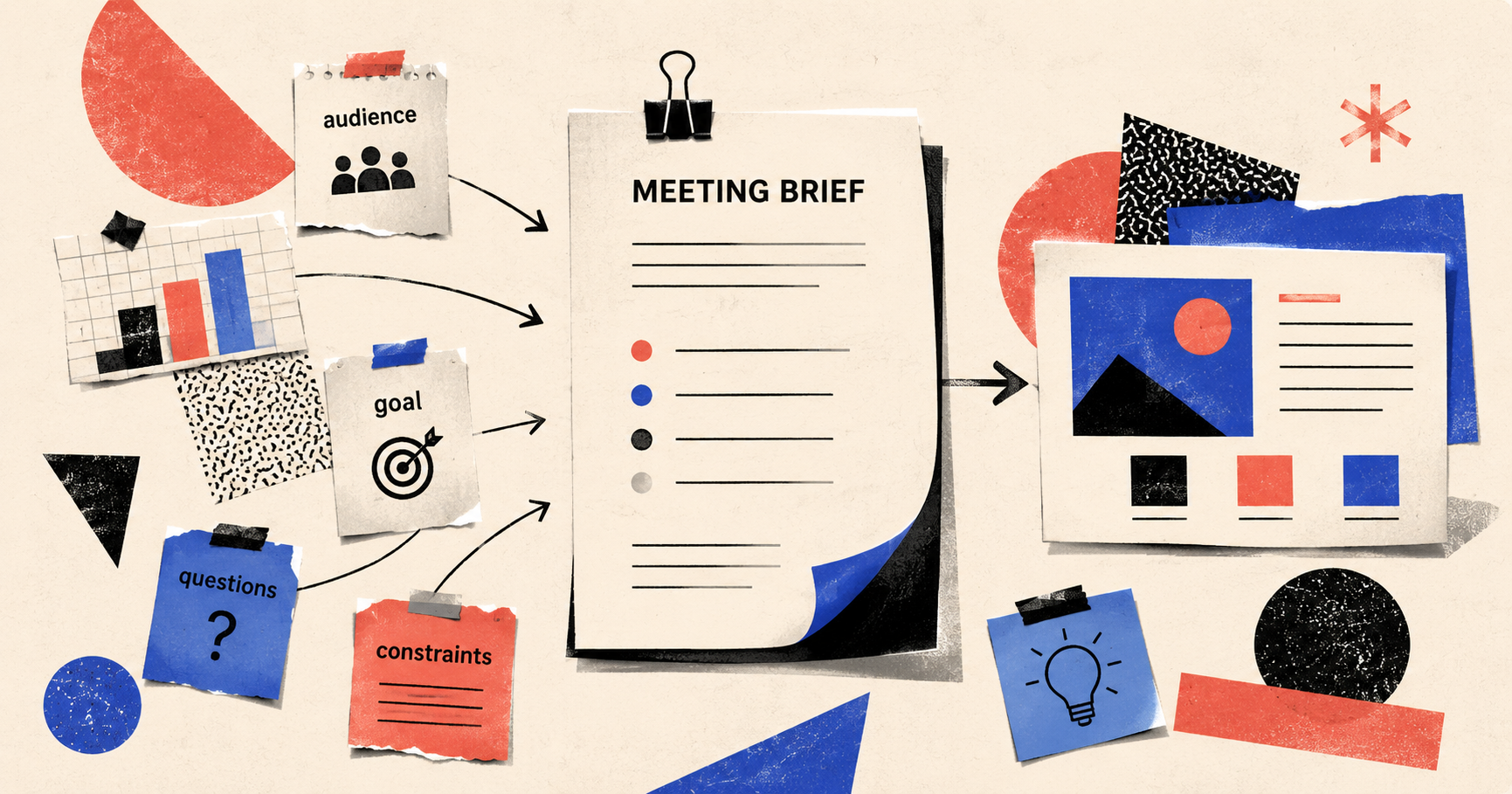
Many people start their first AI-generated PPT with a very natural prompt:
Create a PPT about AI marketing trends.
AI will quickly produce something: a cover, an agenda, trends, case studies, and a closing slide. It looks complete. It may even look convincing at first glance.
This is also a pattern we see again and again while building Pi: users do have ideas, but it is hard to explain the idea, materials, audience, and meeting goal clearly in one prompt.
But once you actually bring that deck into a meeting, the problems appear.
Your boss asks: “So should we invest or not?”
Your customer asks: “What does this have to do with our business?”
Your teammate asks: “Who owns the next step?”
And suddenly, you realize the PPT says a little bit about everything, but it does not solve a problem for anyone.
This does not mean AI cannot make PPTs. More often, the problem is that you treated the PPT as a “content generation task,” when a PPT is really a “live communication task.”
Making a PPT is not about filling 20 slides with a topic.
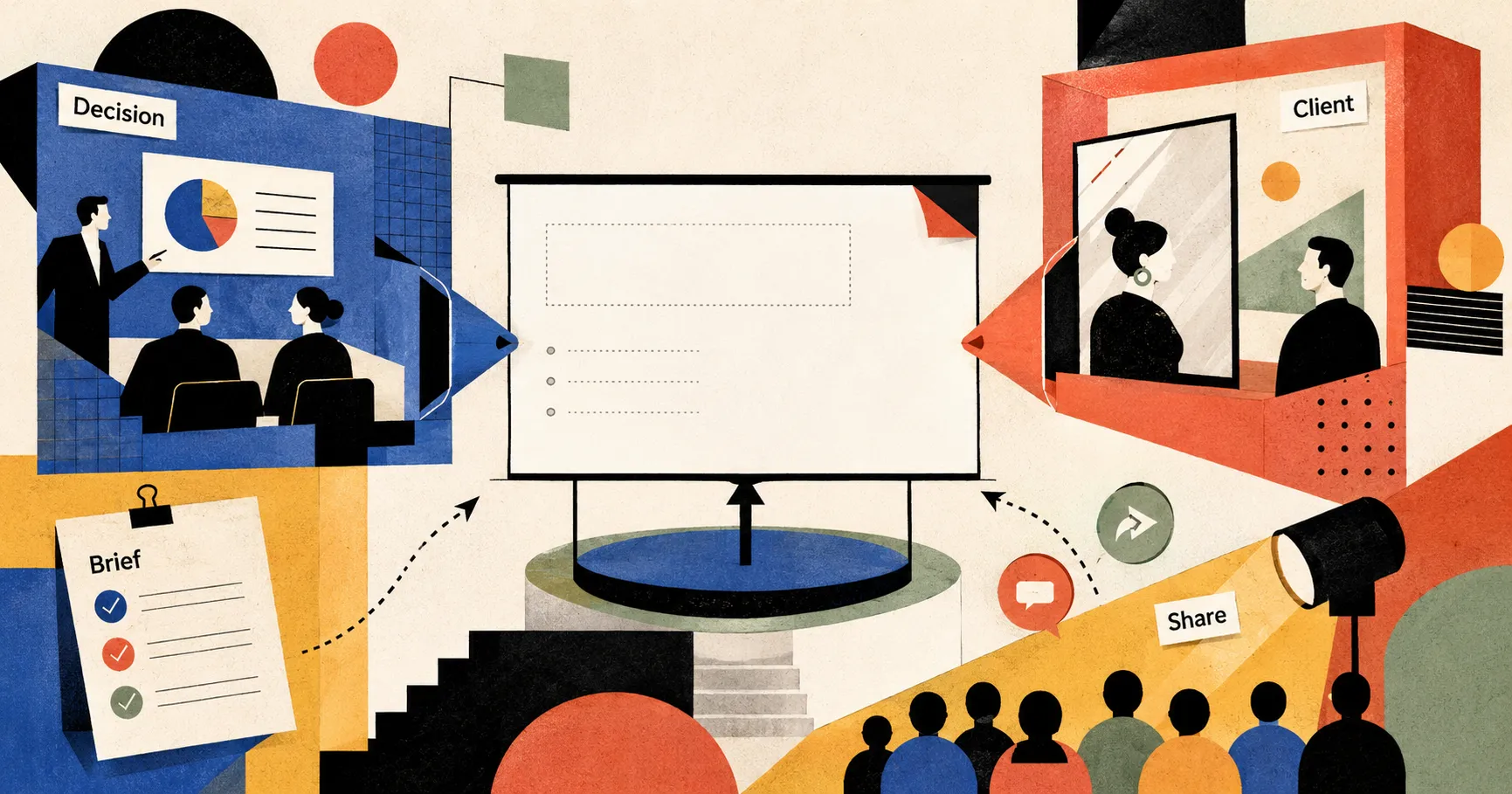
Making a PPT is about helping a group of people, each with different priorities, form a new judgment about the same thing at the same moment.
So a truly useful PPT prompt is not written for AI.
It is written for the meeting.
First: Do not start with the topic. Start with who will sit at the table
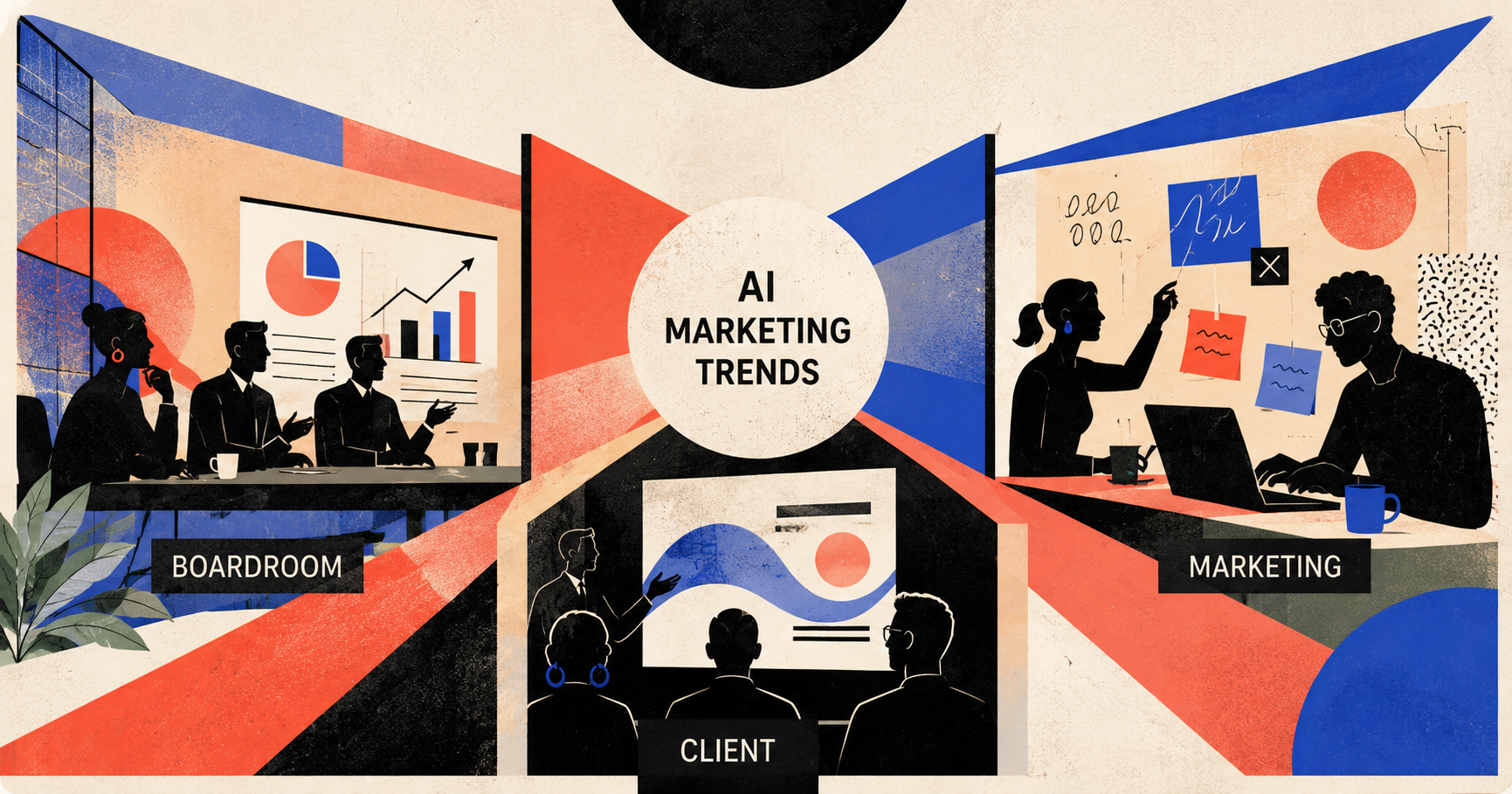
A topic only tells AI what to talk about. The audience tells AI why it should be said this way.
The same topic, “AI marketing trends,” should become three very different decks depending on whether it is for the CEO, the marketing team, or a customer.
For the CEO, you need to talk about judgment, investment, and return.
For the marketing team, you need to talk about tactics and resource allocation.
For customers, you need to talk about opportunities, examples, and how they can use it.
If you only give AI the topic, it can only generate an average answer. The problem with an average answer is that it reads like an encyclopedia, not a conversation.
You can write the prompt like this:
Please directly generate a PPT within 8 slides.

Topic: AI marketing trends

Audience:
- Company CEO and marketing lead
- They already know AI is popular, but they are worried that investment may not lead to real growth
- They care most about: whether it is worth doing, what to start with, how many resources are needed, and what the risks are

Meeting goal:
- Get them to agree to launch a 6-week AI marketing pilot
- The pilot scope includes: improving content production efficiency, generating sales materials, and reusing customer case studies

Generation requirements:
- The overall structure must be built around the questions the audience is most likely to ask
- Each slide should answer only one key question
- Do not turn it into a general overview of AI marketing trends
- The final slide should include a clear next action
This step matters because after using this prompt, the PPT no longer feels like an encyclopedia. It feels like a decision meeting.
The structure of a PPT should not start from “what I want to say.” It should start from “where the audience may get stuck.”
AI is good at helping you simulate the people at the table. It is not in the meeting room, but it can help you put the audience’s concerns on the table first.
Second: Put in real materials. Do not let AI pretend it knows everything
Many PPTs feel obviously AI-generated because they are too smooth.
Every sentence is correct. Every slide looks complete. But nothing feels like it came from a real business.
This kind of content has a strange cleanliness to it: no internal data, no specific product details, no customer quotes, no tiny friction from the actual industry. It is like distilled water. Clear to look at, but tasteless to drink.
The simplest way to avoid this problem is to feed AI your real materials.
The materials do not need to be perfect. They can be messy:
- A piece of feedback from a sales teammate
- A summary of a user interview
- Key information from three competitor website screenshots
- A few comments your boss dropped in a group chat
- An article you found useful
- A set of data that has not been cleaned yet
You can write the prompt like this:
Please generate a PPT within 8 slides based on the following materials.

Materials:

[Sales feedback]
{Paste content}

[Customer interview]
{Paste content}

[Competitor information]
{Paste content}

Generation requirements:
- Prioritize real wording and specific details from the materials
- Each slide title must be a conclusion-style statement
- After each key judgment, mark the source: sales feedback / customer interview / competitor information
- Do not invent specific numbers
- Mark uncertain information as “Needs verification”
- Suggest one visual format for each slide
The real value of AI in PPT creation is not that it “comes up with everything” for you.
It is more like a teammate with an unusually strong ability to organize materials: you pour all the paper scraps, links, screenshots, and thoughts onto the table, and it helps you sort them into piles and find the thread.
A good PPT does not grow from a blank page. It grows from materials.
Third: Turn titles into judgments, not section labels
Whether a PPT feels usable often depends on its slide titles.
Many AI-generated slide titles look like this:
- Market background
- User pain points
- Solution
- Competitive advantages
- Future plan
These are not titles. They are folder names.
They only tell the reader what category the slide belongs to. They do not tell the reader what the slide wants them to believe.
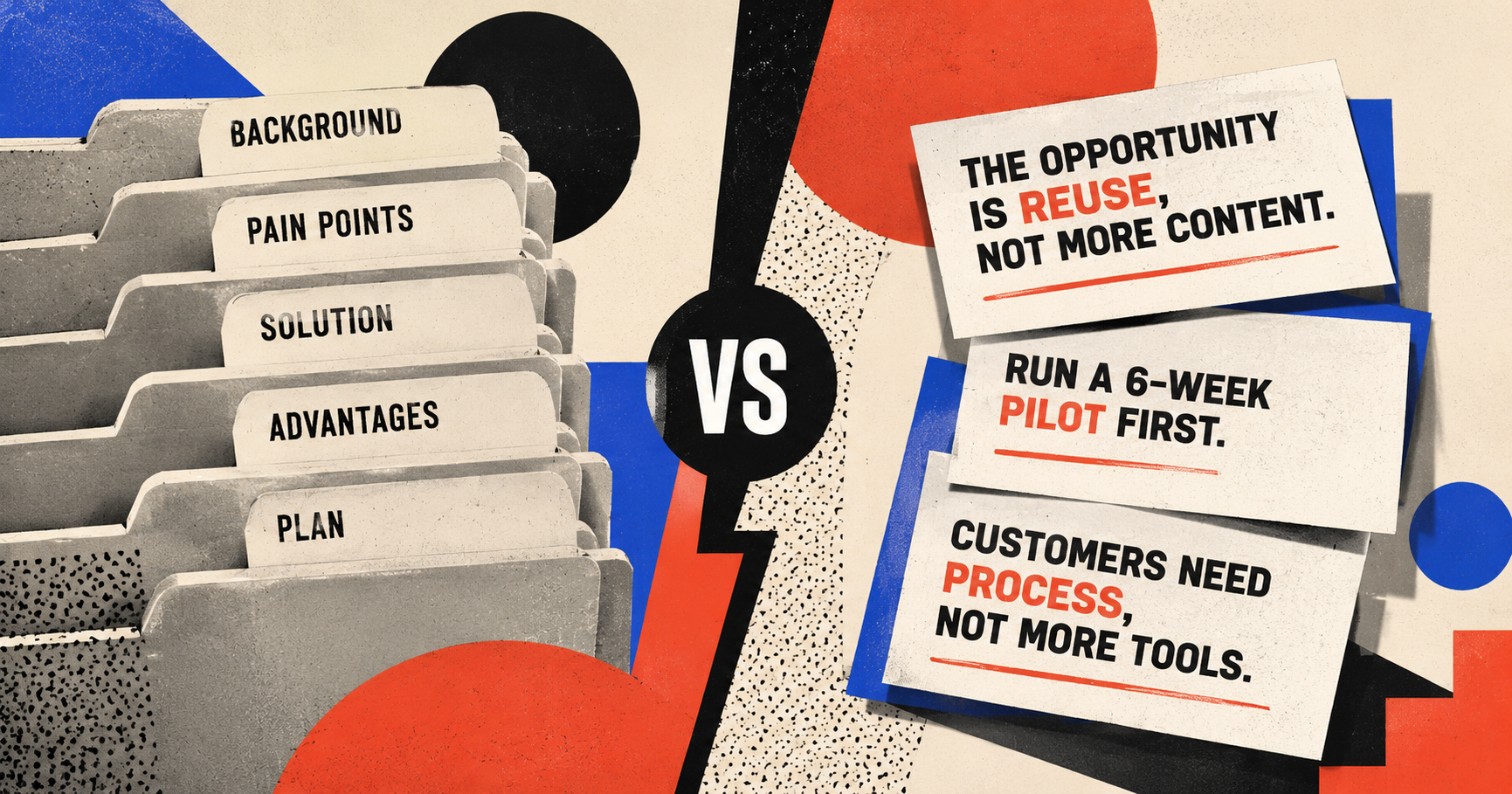
A good PPT title should work like a judgment:
- The opportunity in AI marketing is not “publishing more content,” but reusing existing content assets
- Customers do not lack tools. They lack a process for turning materials into sales content
- A 6-week pilot is a safer way to validate ROI than buying a large system upfront
You can ask AI to rewrite the titles directly:
Please generate the PPT directly and follow these title rules:

- Every slide title must be a conclusion-style statement
- Do not use section labels like “Background,” “Pain Points,” “Solution,” “Advantages,” or “Summary”
- Each title must express a clear judgment
- After reading each title, the audience should be able to answer: what should this slide make me believe?
If you have already generated a first version, you can also send this as a revision instruction to Pi and ask it to rewrite the slide titles.
This may look like a title rewrite, but it actually forces the deck to grow a spine.
Once every slide title becomes a judgment, you will naturally see which slides lack evidence, which slides repeat each other, and which slides are only there to fill space.
Fourth: Use slide types to control AI instead of saying “make it more premium”
“Make it more premium.”
This is one of the easiest instructions for AI to misunderstand.
What does “premium” even mean? Consulting style? Apple keynote style? Magazine style? Investor pitch deck? Internal business review? Different people imagine completely different slides.
A more reliable method is to tell AI what type of slide each page should be.
For example:
Please directly generate an 8-slide PPT.

Slide type requirements:
- Include at least 1 conclusion slide
- Include at least 1 comparison slide
- Include at least 1 process slide or roadmap slide
- Include at least 1 decision slide
- Do not use the same slide structure for three consecutive slides

For each slide, output:
Title | Slide type | Core content | Suggested visual
This is more useful than saying “make it professional.”
A PPT is not just a set of nice-looking pages. It is a combination of pages with different jobs. A conclusion slide sets the direction. A comparison slide creates contrast. A process slide reduces cognitive load. A decision slide pushes action.
When you give AI slide types, it is less likely to turn every page into the same three-part explanation.
Fifth: Turn prompts into reusable templates
A prompt worth keeping is usually not a one-time sentence. It is a template with variables you can replace again and again.
Topic, audience, materials, goal, number of slides, style, output format: all of these can become reusable variables.
The same is true for PPT creation.
Do not write prompts from scratch every time. Turn the PPT types you create often into templates.
For example, here is a template for turning an article into a shareable presentation:
Please turn the following article into a PPT suitable for public sharing.

[Audience]
{Who the audience is}

[Sharing goal]
{What the audience should gain after listening}

[Article content]
{Paste the article}

[Rewrite requirements]
1. Do not move the article paragraph by paragraph. Extract 6 to 8 ideas that are suitable for a talk
2. Each slide title must be a memorable judgment
3. Keep the most visual examples from the article
4. Suggest one visual format for each slide
5. The final slide should provide an actionable checklist

[Output format]
Slide number | Title | Core idea | Source material kept | Suggested visual | Speaker notes
The point of a template is not laziness.
The point of a template is to preserve what you repeatedly do well.
In a mature team, the question is not who can write one impressive prompt. It is who can turn good workflows into reusable prompts.
Sixth: Let AI play the role of a skeptical audience
Generation is only the first step.
What really improves a PPT is review.
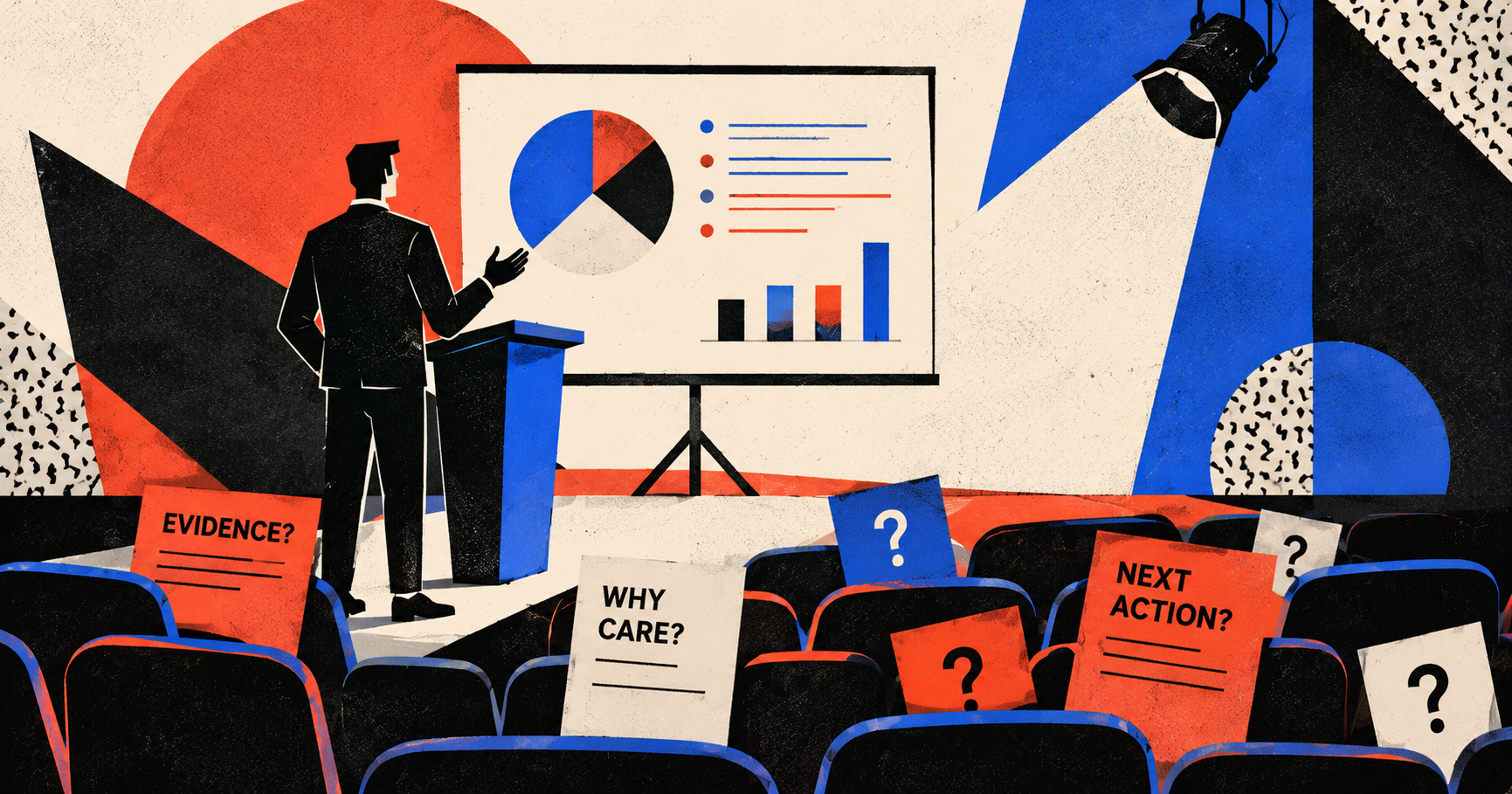
In the past, reviewing your own deck was painful because your brain automatically fills in the gaps. You know the background, so every slide feels logical to you. But the audience does not know what you know.
You can ask AI to simulate a skeptical audience:
Please act as the target audience for this PPT and help me review and revise it.

Audience role: {A budget-conscious CEO / a customer executive with very little time / a sales team seeing this solution for the first time}

Please focus on:
- Which slides do not feel like they were written for this audience?
- Which titles are only section labels, not judgments?
- Which slides lack evidence?
- Which slides should be removed or merged?
- Which slide most needs a clearer next action?

Please provide direct revision suggestions and prioritize the slides that most affect persuasiveness.
This step feels like a rehearsal before the meeting.
It does not guarantee that your PPT will be perfect. But it can expose the questions that would otherwise only appear once the deck is already on the table.
That is another value of AI in PPT creation: it does not just help you write. It helps argue against you.
A complete prompt you can paste directly into Pi
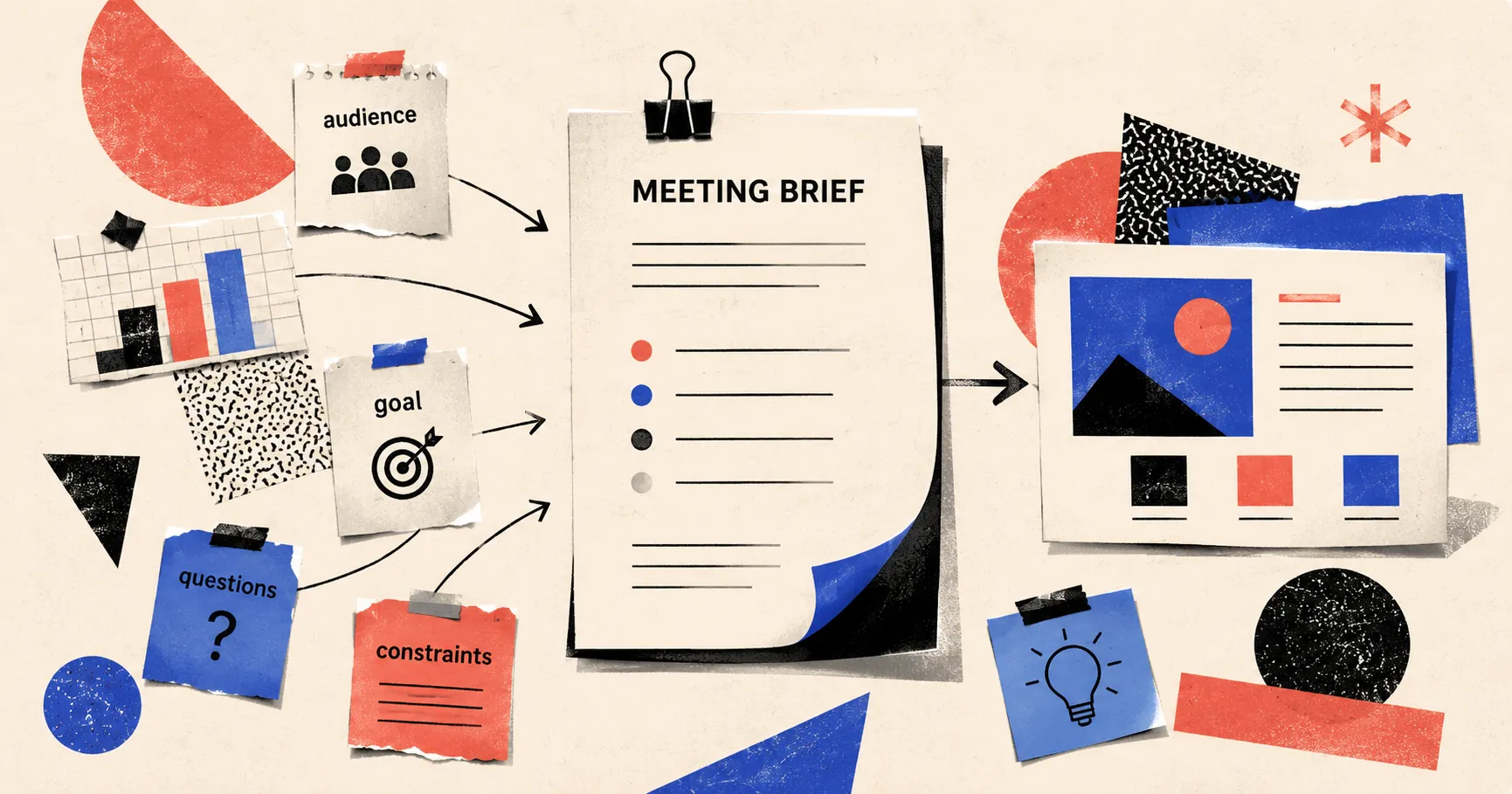
All the techniques above can be reduced to one idea: do not give Pi only a topic. Give it a complete PPT brief.
You do not need to chat with AI for many rounds before generating the deck. A more practical approach is to explain the audience, meeting goal, slide requirements, and constraints clearly in the first prompt.
For example, do not just write:
Create a PPT about AI marketing trends.
Write this instead:
I want to generate a PPT within 8 slides.

Topic: AI marketing trends

Use case: internal decision meeting

Audience:
- Company CEO and marketing lead
- They already know AI is popular, but they are worried that investment may not lead to real growth
- They care most about: whether it is worth doing, what to start with, how many resources are needed, and what the risks are

Meeting goal:
- Get them to agree to launch a 6-week AI marketing pilot
- The pilot scope includes: improving content production efficiency, generating sales materials, and reusing customer case studies

Slide requirements:
- The structure should be built around the questions the audience is most likely to ask
- Each slide title must be a conclusion-style statement
- Each slide should answer only one key question
- Each slide should contain no more than 3 key points
- Each slide should suggest one visual format, such as conclusion slide, comparison slide, process slide, roadmap, data slide, case slide, or decision slide
- The final slide should include a clear next action

Constraints:
- Do not invent specific data
- Mark missing data as “Needs verification”
- Do not turn this into a general overview of AI marketing trends
The point of this kind of prompt is not that it is longer. It is that it includes the information a PPT actually needs.
A prompt that only gives the topic usually creates a PPT that “looks complete.” A brief-style prompt is more likely to create a PPT that can be used in a meeting.
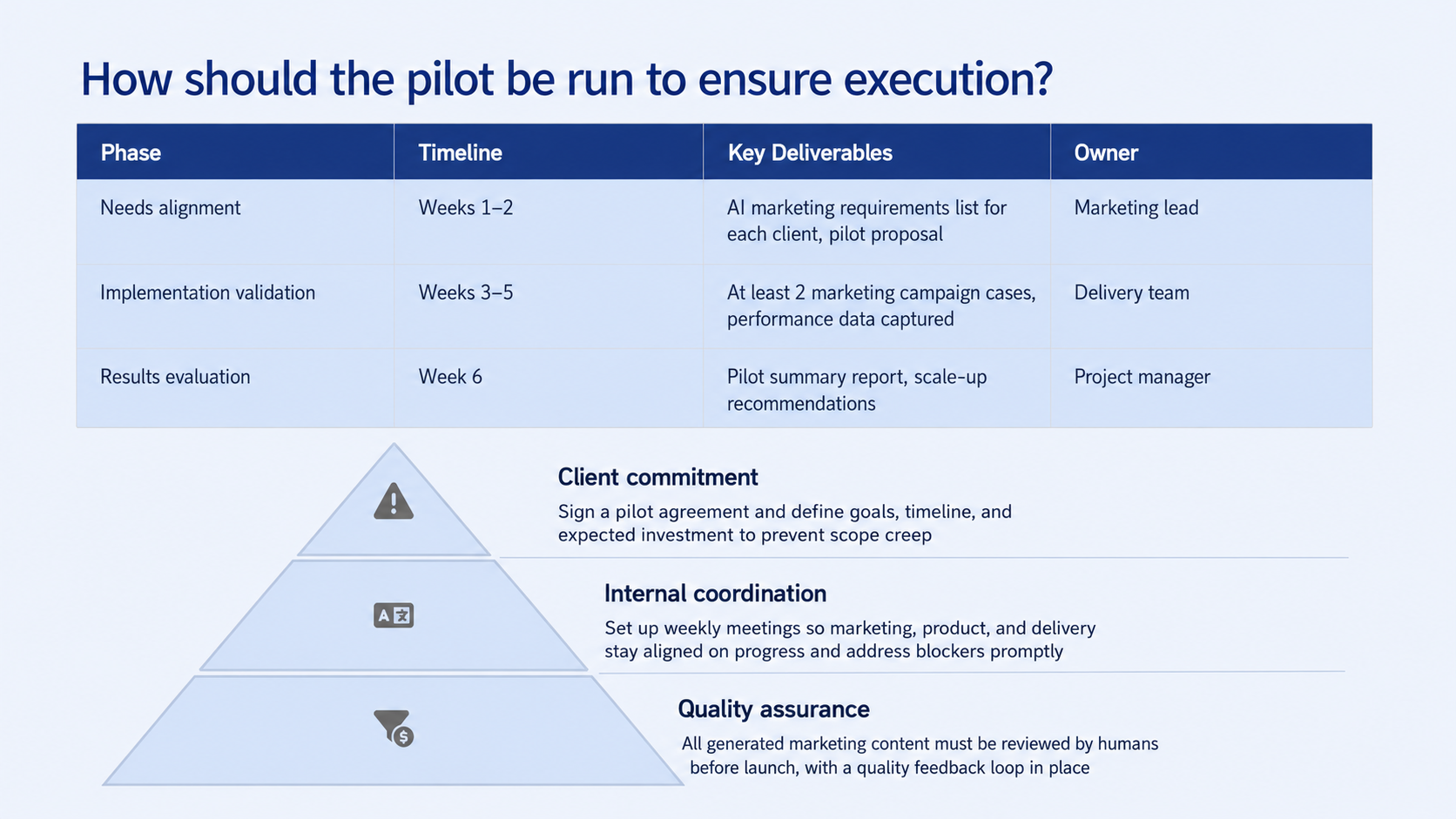
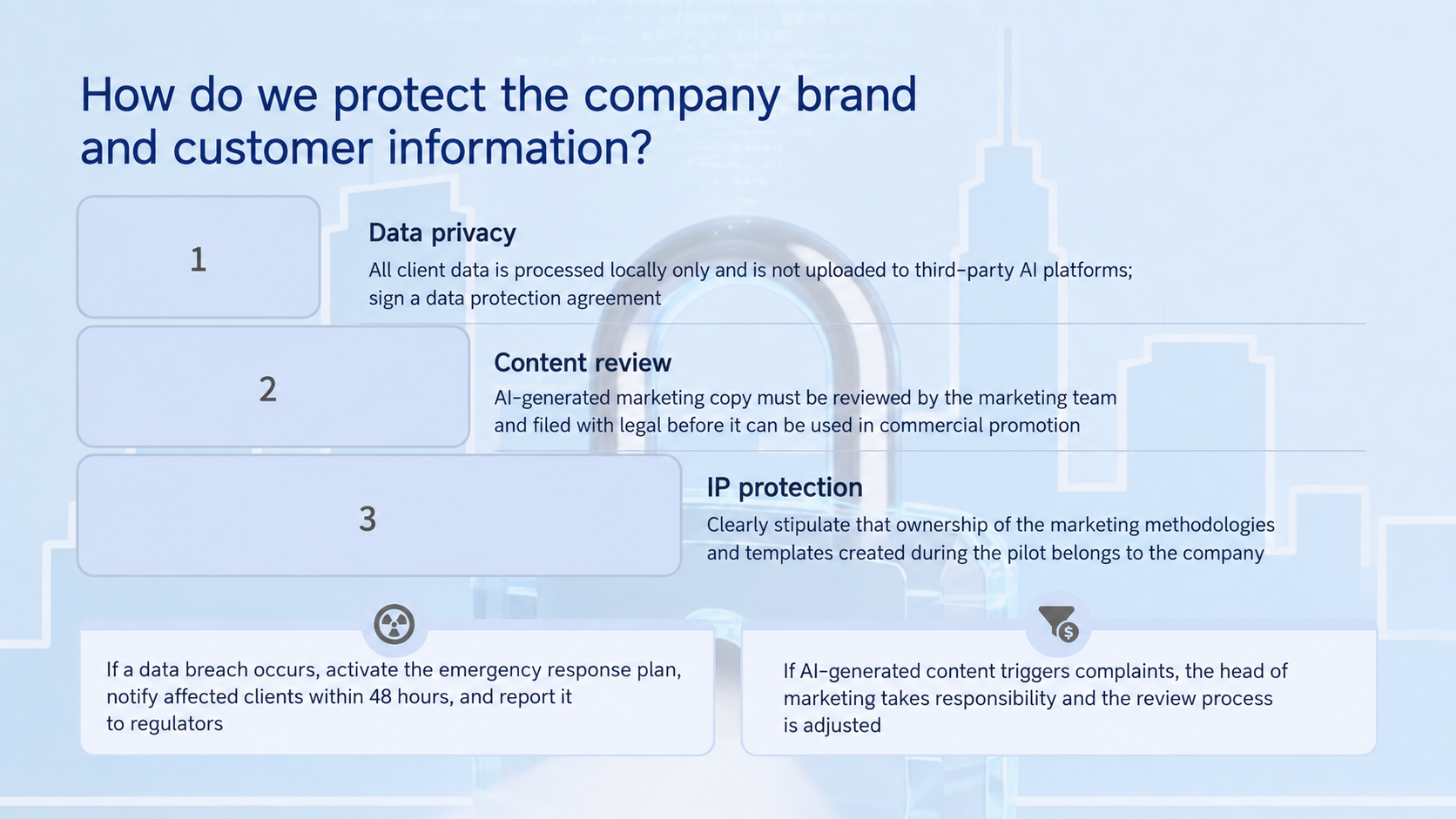
After using the prompt above, the deck usually does not stop at vague claims like “AI is important” or “the market is growing.” It becomes closer to the questions people actually need to discuss in a real meeting:
- Why should we do this now?
- Where should we start?
- What resources are required?
- How do we control risk?
- When do we decide whether to continue or stop?
That is the value of a brief-style prompt.
It does not ask AI to write more. It tells AI from the beginning that this PPT is not meant to introduce a topic. It is meant to push a judgment forward.
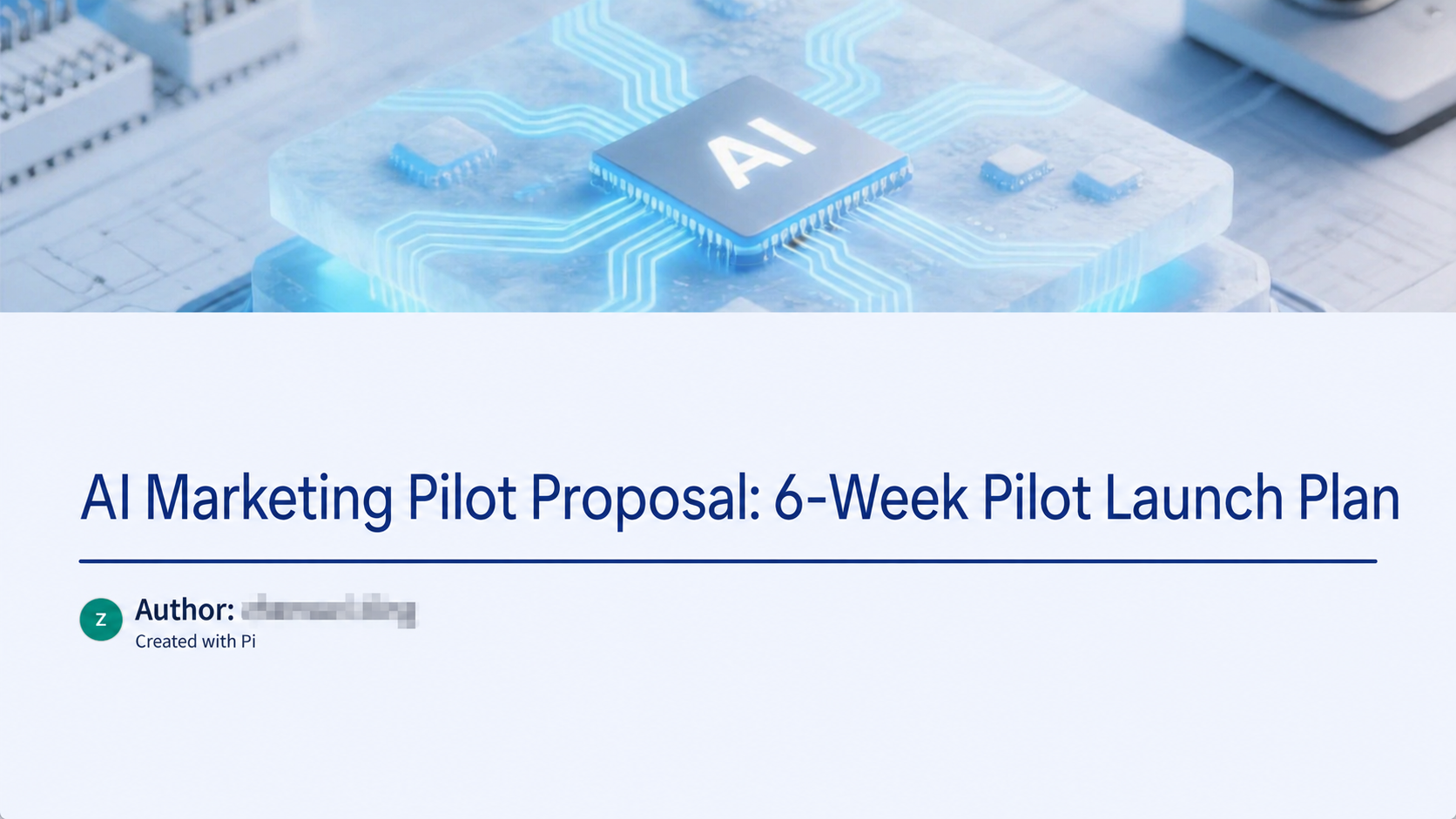
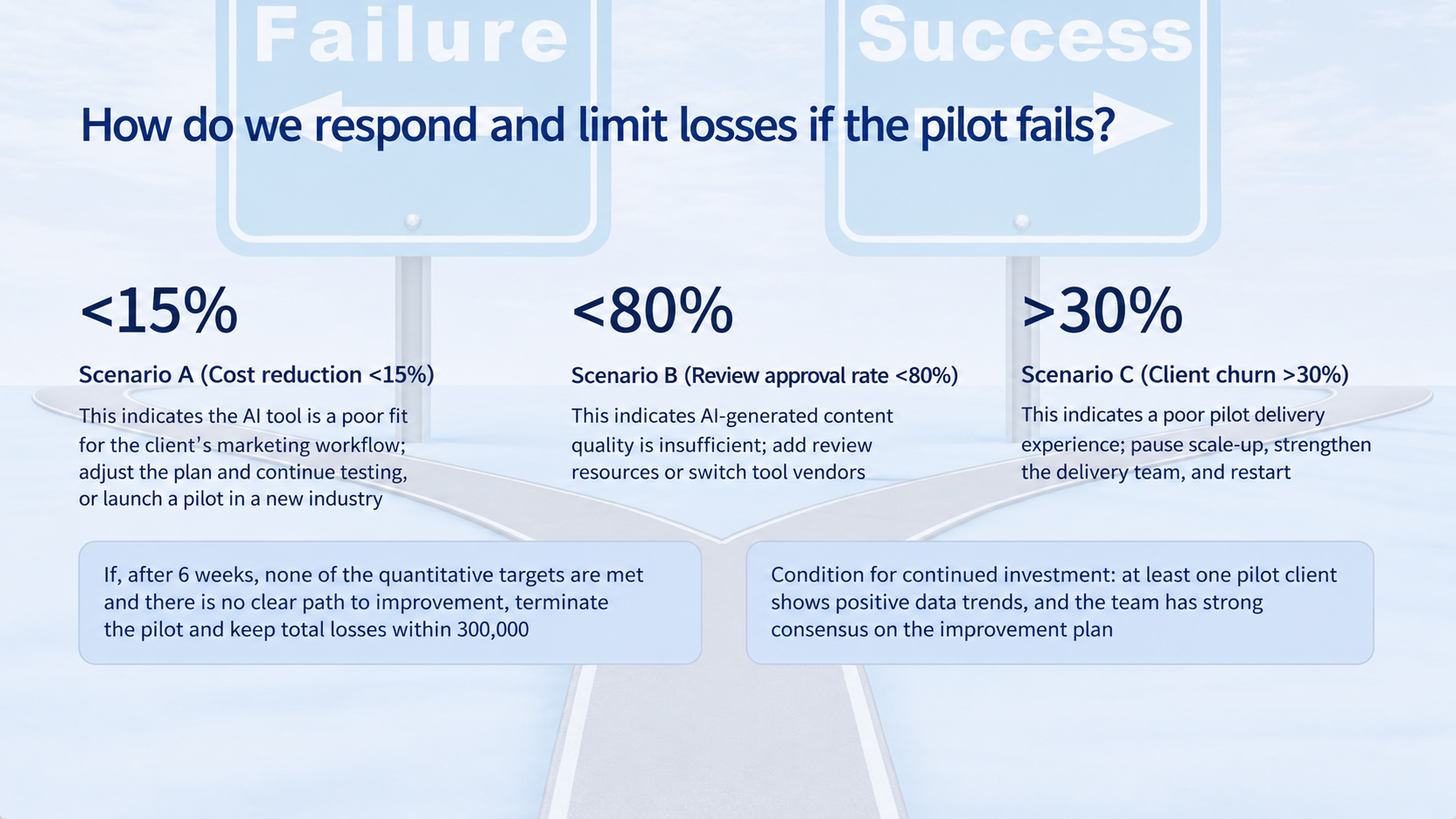
What happens after you generate with this prompt?
Finally: Stop looking for a magic prompt. Build your PPT production line
A “magic prompt” is tempting because it makes you believe that once you find the right sentence, AI will produce a perfect deck in one shot.
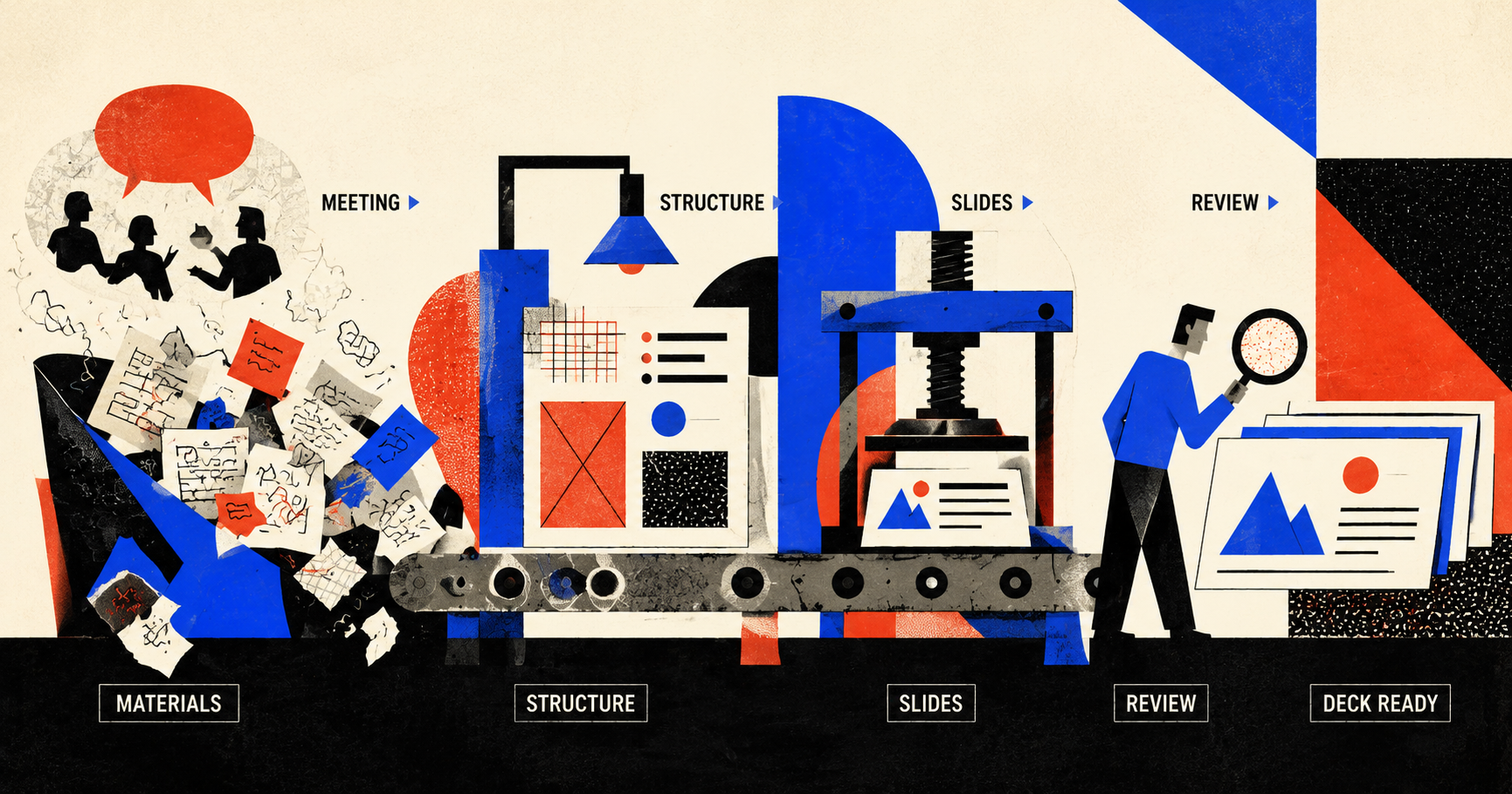
But a PPT is not a single image or a piece of copy. It is a production line: clarify the meeting, organize the materials, build the structure, write the pages, design the visuals, review the logic, and revise.
A truly powerful prompt is not one magic sentence. It is a process for turning fuzzy thoughts into deliverable slides.
You do not need to start from a blank page. You can clarify the meeting, pour in your materials, choose slide types, turn titles into judgments, and then ask AI to stand on the audience’s side and challenge the deck.
At that point, Pi is doing more than “generating slides.” It is helping you rehearse the meeting that has not happened yet.
When you finally stand in front of the screen, you are not presenting a template. You are presenting a line of thinking that has already been organized, questioned, compressed, and visualized.
That is the time AI should really save when making PPTs: not the time spent thinking, but the time lost when thinking cannot yet become slides.
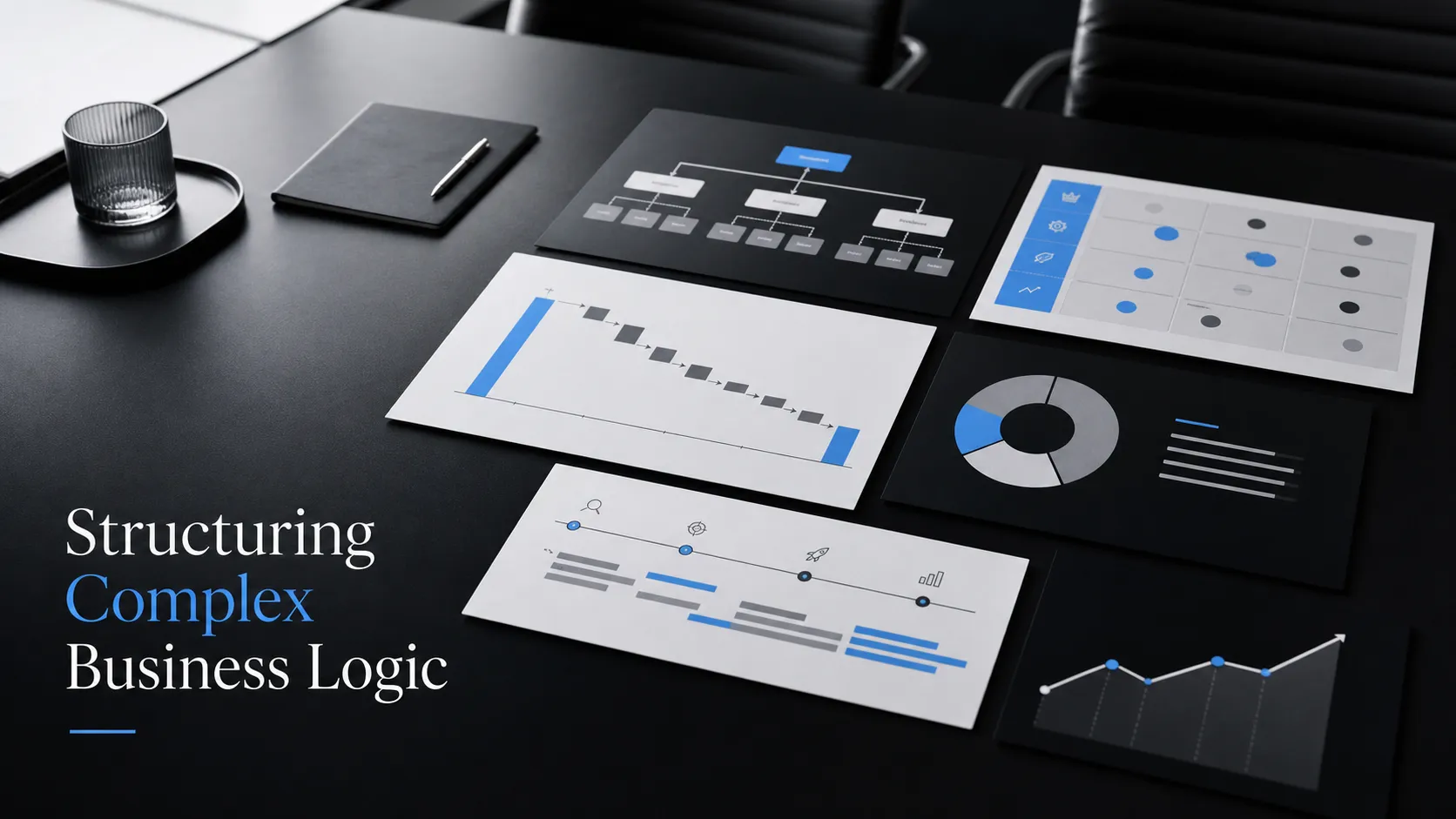 Management Consulting Report Template: Structuring Complex Business Logic